
When you view, reply to, or forward an email that was originally sent in plain text format, the Crossware email signature appears:
-
Misaligned
-
Without images
-
Without HTML formatting
Crossware applies signatures in HTML format.
If the original email was sent as plain text, Microsoft 365 preserves that format when the message is replied to or forwarded. As a result:
-
The email remains plain text
-
HTML elements (tables, images, styling) cannot render correctly
-
The signature appears broken or unformatted
Solution
-
Log in to the Crossware Portal.
-
Open the affected signature block.
-
Go to the Plain Text Version section
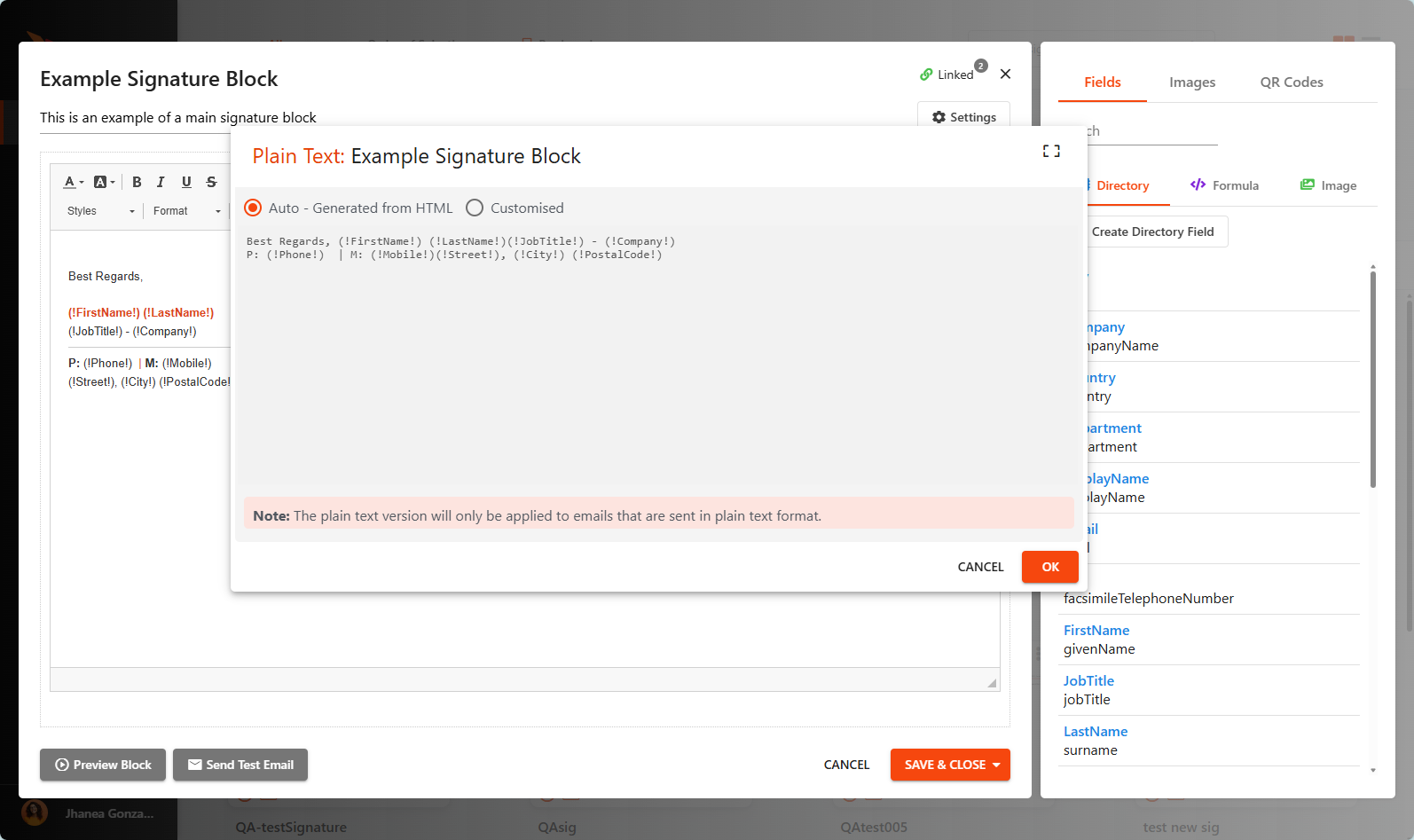
PLEASE NOTE: This will convert all plain text emails, if your Organisation has systems that generate plain text emails, please test this setting.