
Crossware allows you to import your own HTML code when creating or editing email signatures. This gives you complete control over the design, layout, and personalisation of your signature. You can include images, logos, hyperlinks, and dynamic user fields from your directory.
Steps to Import HTML into a Signature
-
Sign in to the Crossware Portal.
-
Choose an existing signature and click Edit or Create a new blank signature configuration.
-
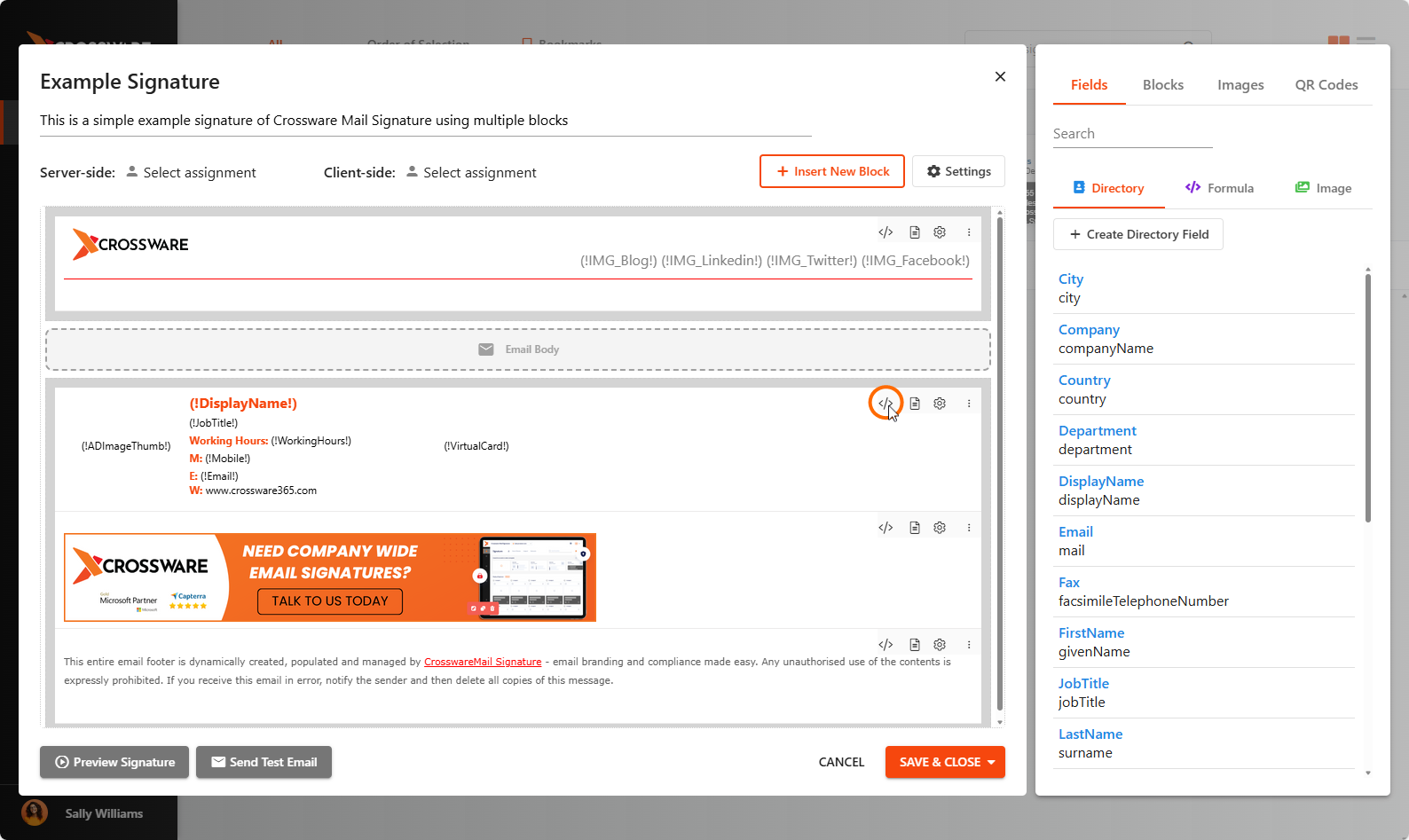
Within the signature editor, click the HTML Code button
(</>).
-
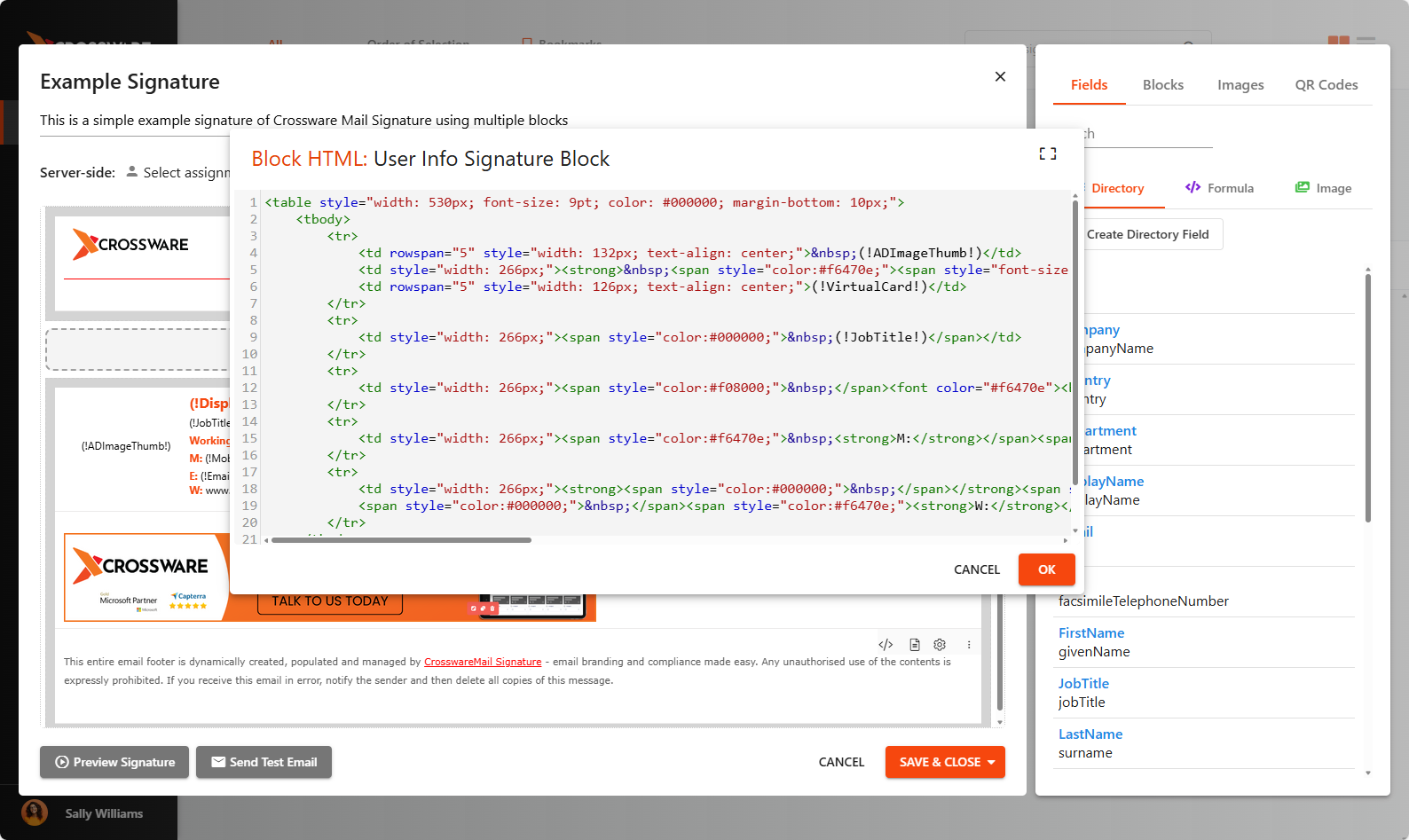
In the HTML editor, paste your custom HTML code.
-
To personalise the signature with directory fields, replace static user details in the HTML code with placeholders, such as
(!FirstName!).
-
Related Articles