
You can configure Crossware to apply one of several signature blocks at random. Each outgoing email will receive a randomly selected signature. This is useful when you want variety or when you want to test different signature versions.
When the rule runs:
-
Crossware stamps an email header called X-CWRandom with a random number.
-
The value in this header determines which signature block is applied. For example, if the value is 1, the system applies sub-signature 1. If the value is 2, it applies sub-signature 2, and so on.
Configure random signatures
Create your signature blocks
-
In the Crossware Portal, create all the Signature Blocks you want to rotate between.
-
Give each Signature Blocks a unique identifier such as RAND-1, RAND-2, RAND-3 etc.
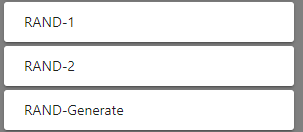
RAND-Generate: always returns false, but stamps following field onto the message header X-CWRandom with a random number
RAND-1 : subsignature which is triggered on a X-CWRandom=1
RAND-1 : subsignature which is triggered on a X-CWRandom=2
Add the random number generation code
RAND-Generate
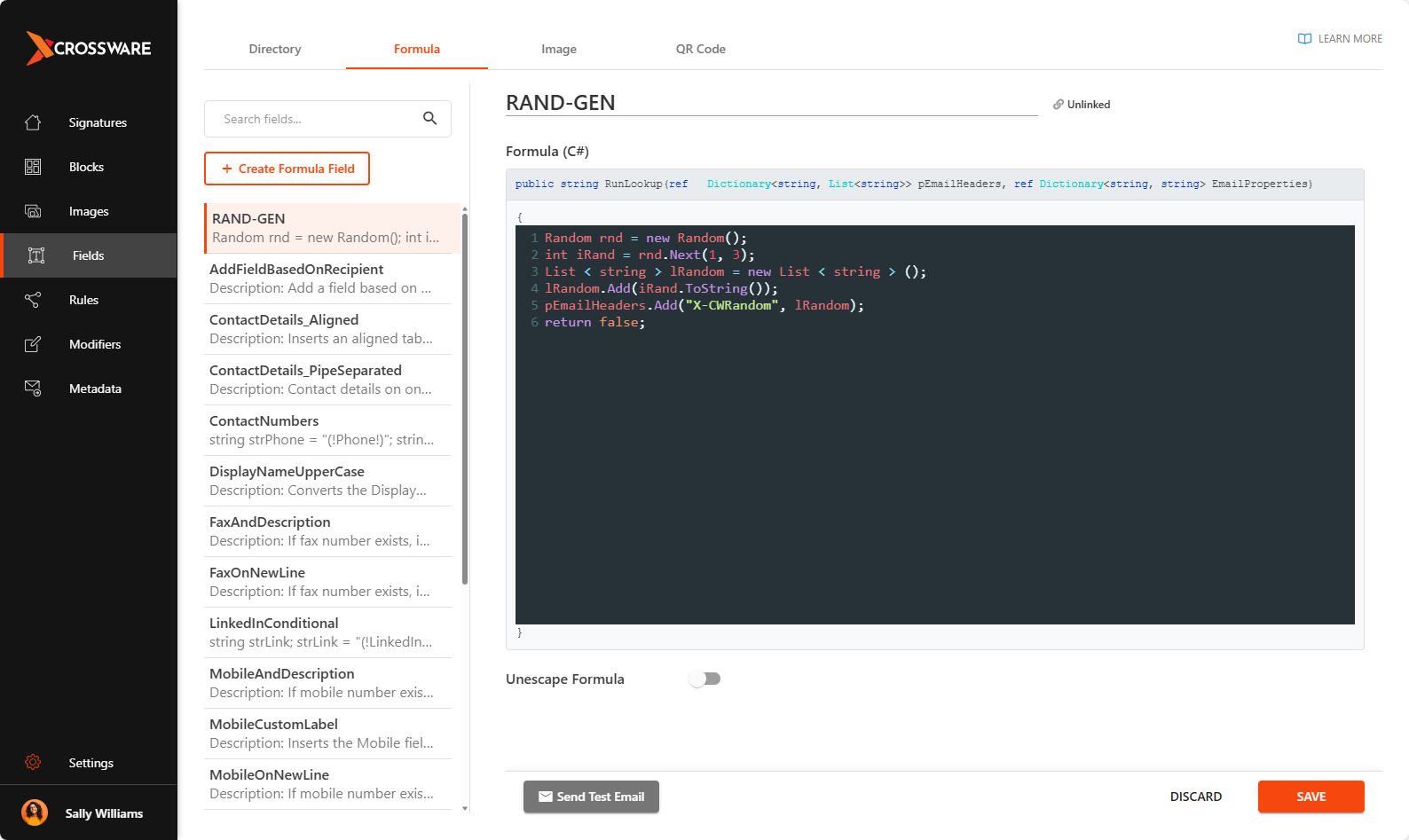
Code:
Random rnd = new Random();
int iRand = rnd.Next(1, 3);
List < string > lRandom = new List < string > ();
lRandom.Add(iRand.ToString());
pEmailHeaders.Add("X-CWRandom", lRandom);
return false;
int iRand = rnd.Next(1, 3); returns a random number between 1 and 2.
Please update this line "int iRand = rnd.Next(1, 3);" for the number of sub signatures eg if there were 6 the line should be, int iRand = rnd.Next(1, 7);
RAND-1
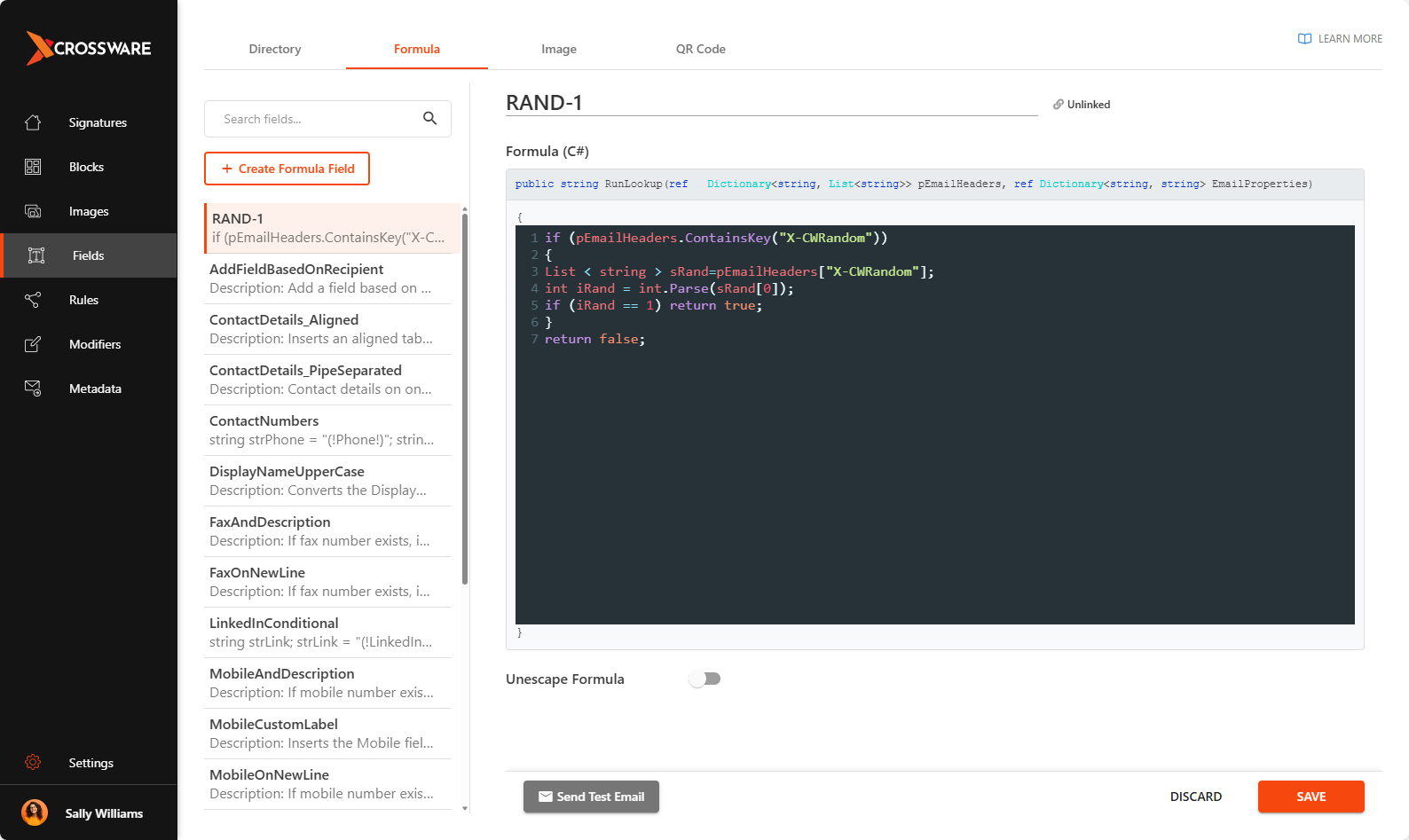
Code:
if (pEmailHeaders.ContainsKey("X-CWRandom"))
{
List < string > sRand=pEmailHeaders["X-CWRandom"];
int iRand = int.Parse(sRand[0]);
if (iRand == 1) return true;
}
return false;
RAND-2
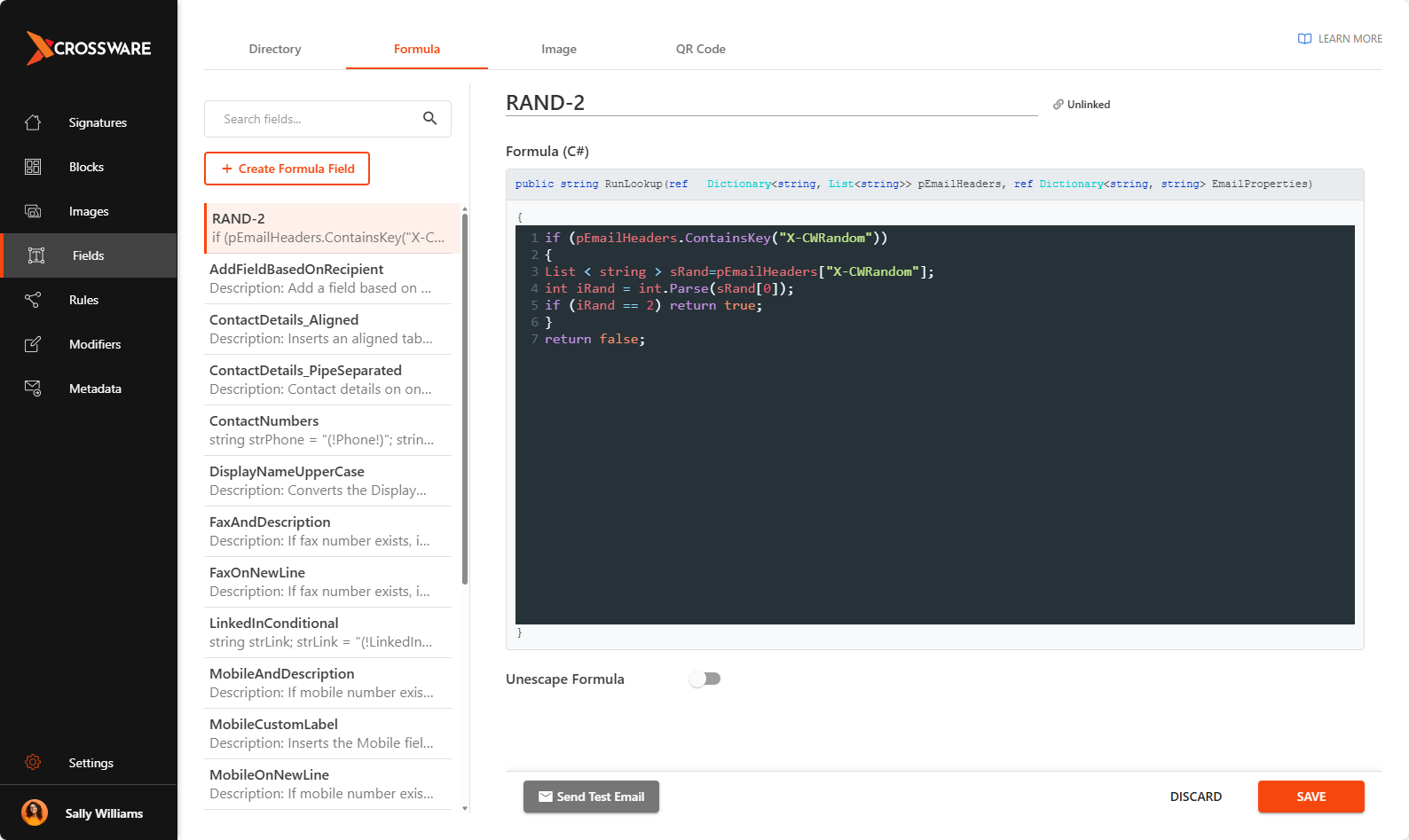
Code:
if (pEmailHeaders.ContainsKey("X-CWRandom"))
{
List < string > sRand=pEmailHeaders["X-CWRandom"];
int iRand = int.Parse(sRand[0]);
if (iRand == 2) return true;
}
return false;