
You can view your current licensed user count directly from the Crossware Portal.
-
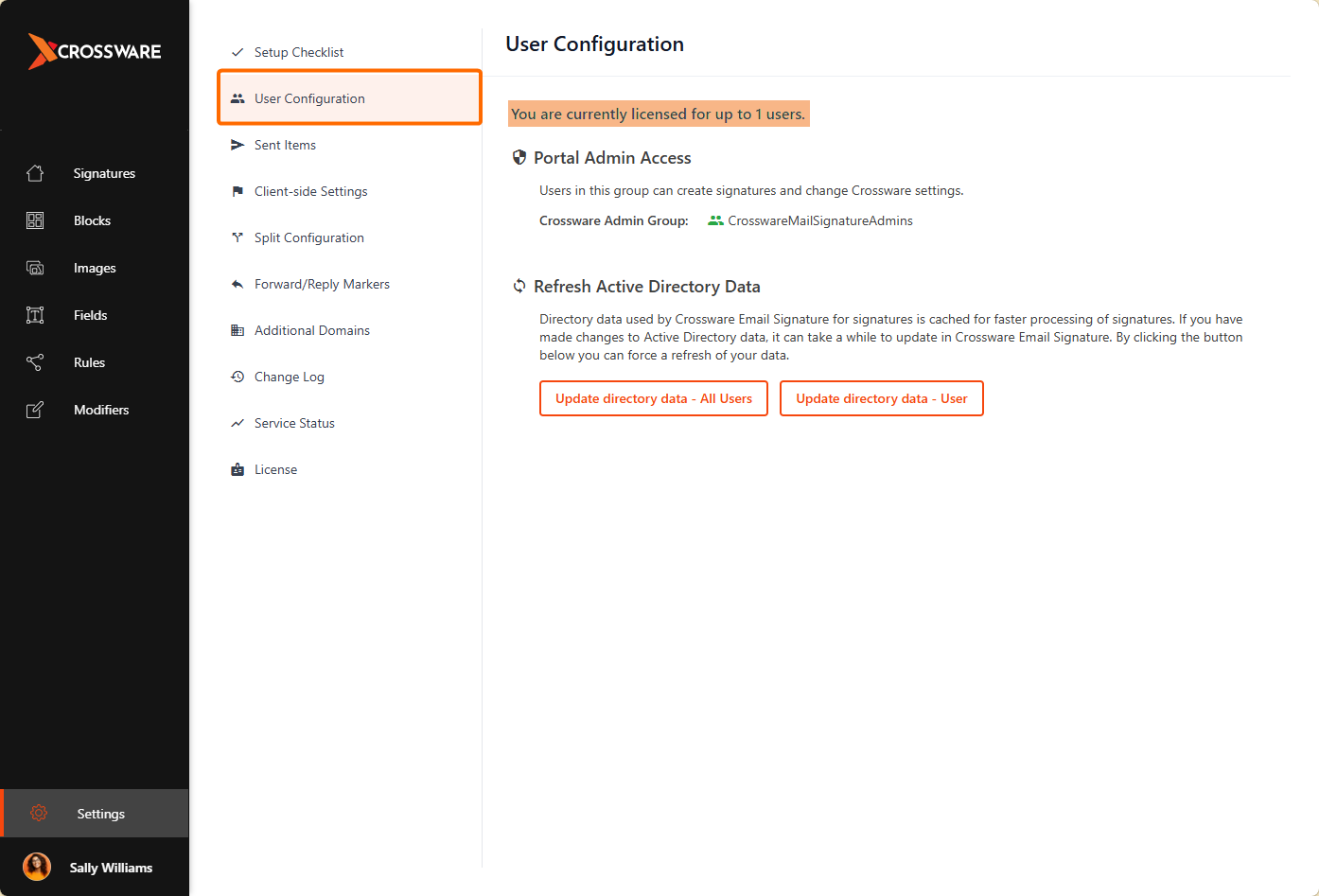
From the Crossware Portal, Click on Settings
-
Select User Configuration.
Your purchased license count will be displayed in the highlighted field.
Any changes to the license count may take up to 24 hours to display correctly in the Crossware Portal. This will have no impact on processing your messages. Above field is only visible for Customers.