
There are two ways to access Crossware Email Signature: through the main Crossware website or directly via the portal link. Use the method that is most convenient for you.
Access via the Crossware Website
-
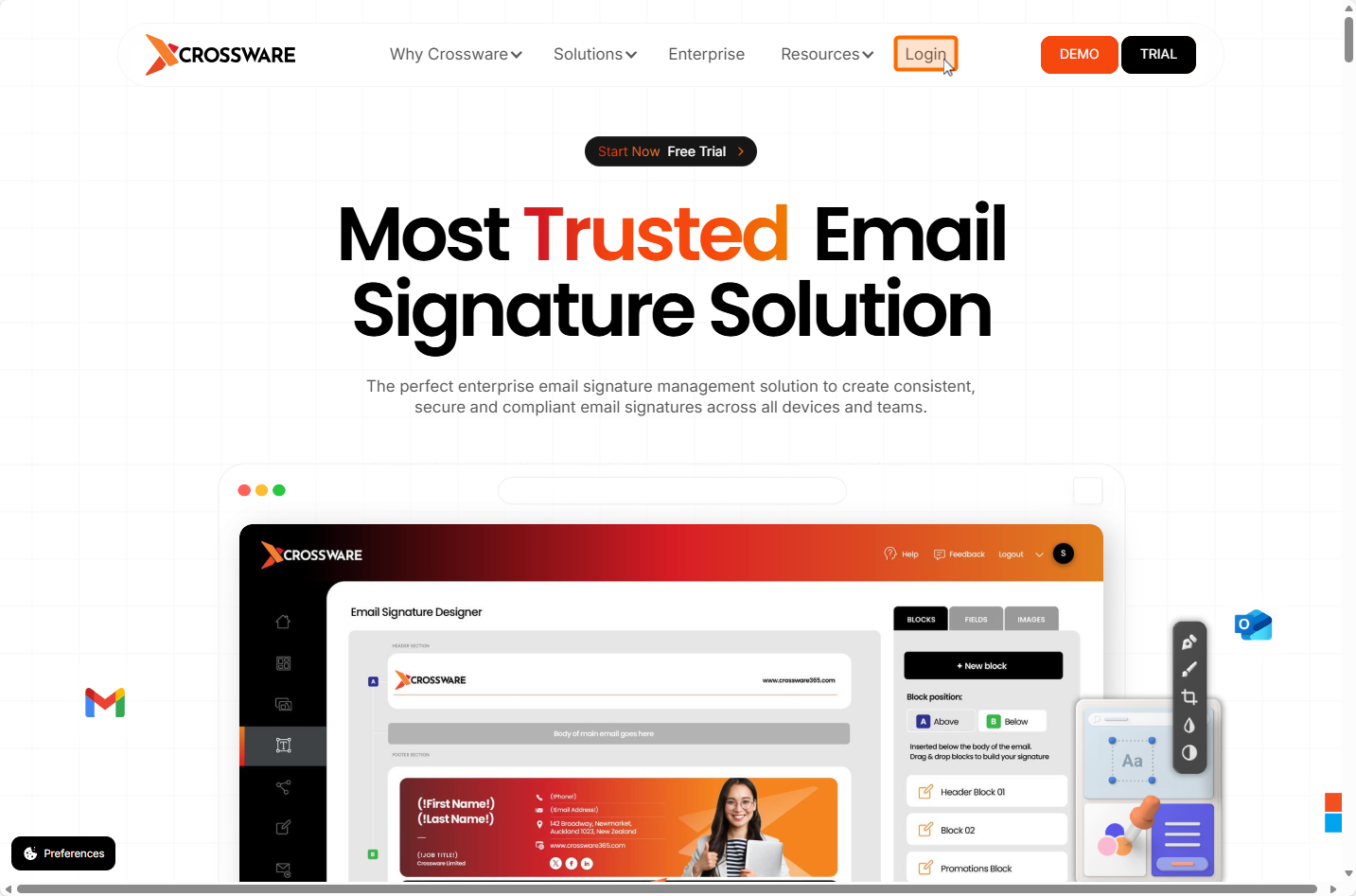
Open your web browser and go to the Crossware website.
-
In the top-right corner, click Login.
-
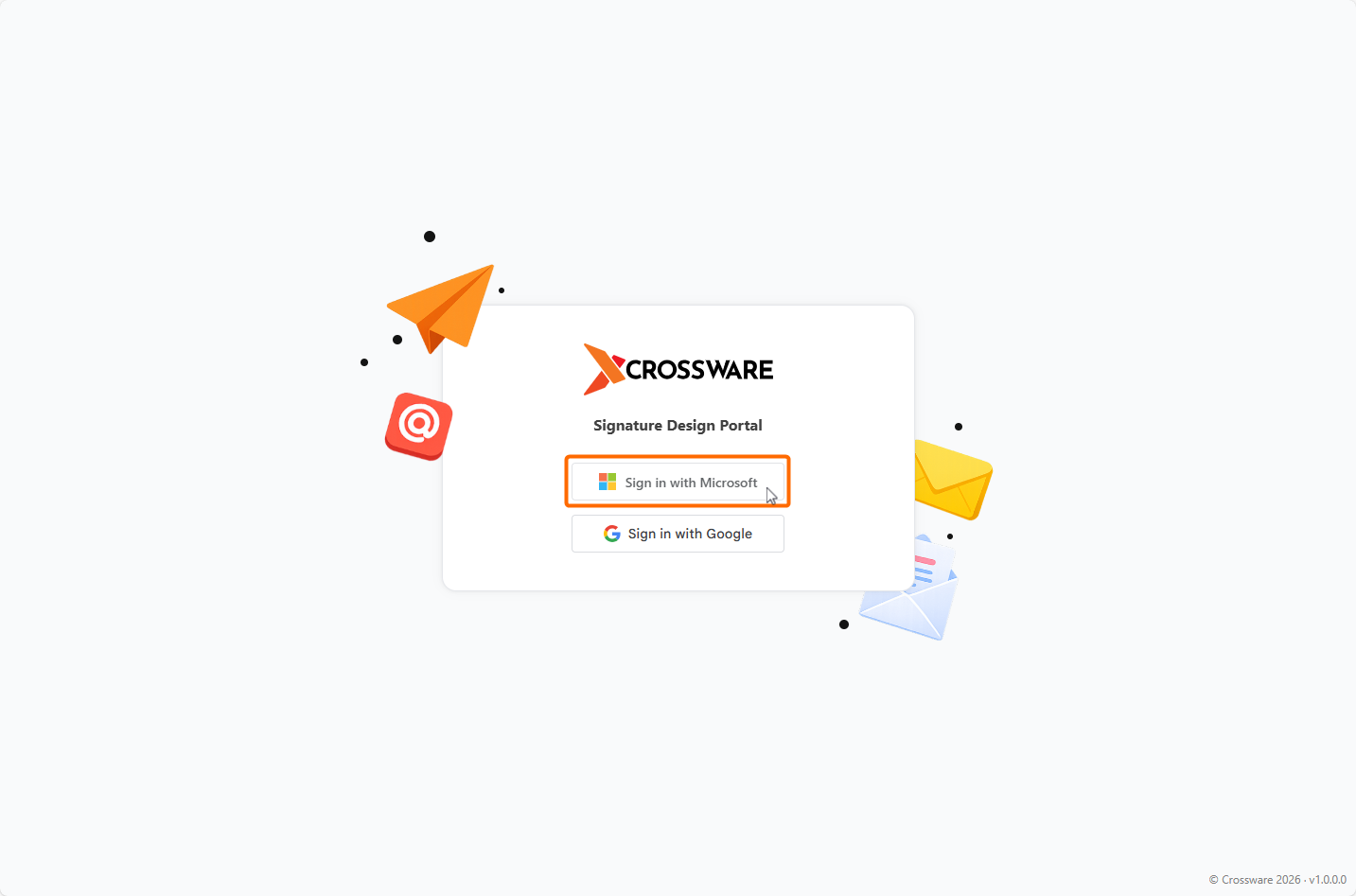
Sign in using your Microsoft 365 credentials.
Access via Direct URL
You can also go directly to the portal using this link:
Crossware Email Signature
Sign in with your Microsoft 365 credentials to the Designer portal.