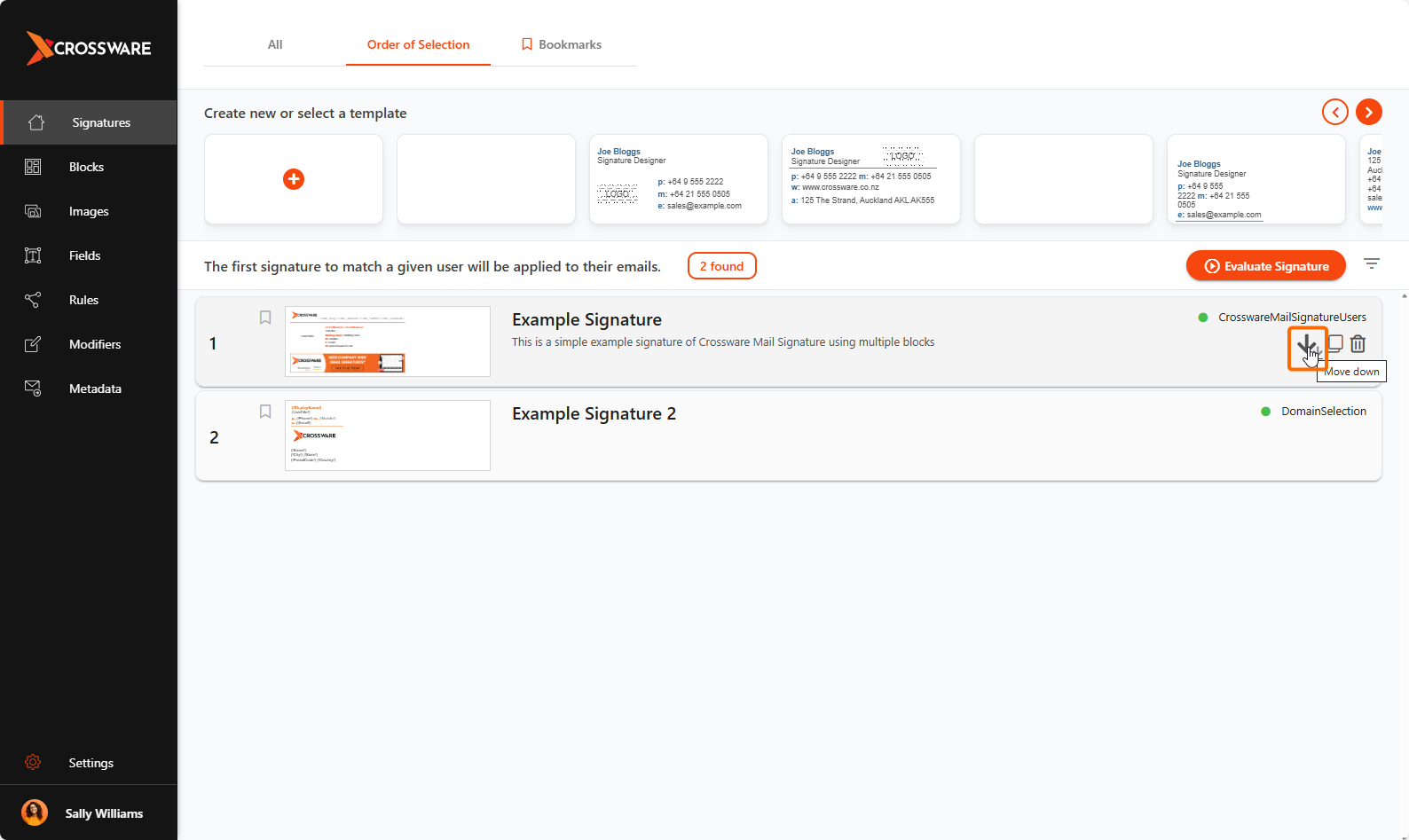
Order of Selection controls the order in which signatures are evaluated and applied to emails. This is important when you have multiple signatures set up for different teams, departments, or scenarios, as the first matching signature in the list will be applied.
By arranging signatures in the correct order, you can make sure the right signature is applied every time.
Accessing Order of Selection
-
Sign in to the Crossware Portal.
-
Select Order of Selection to open the list of configured signatures.
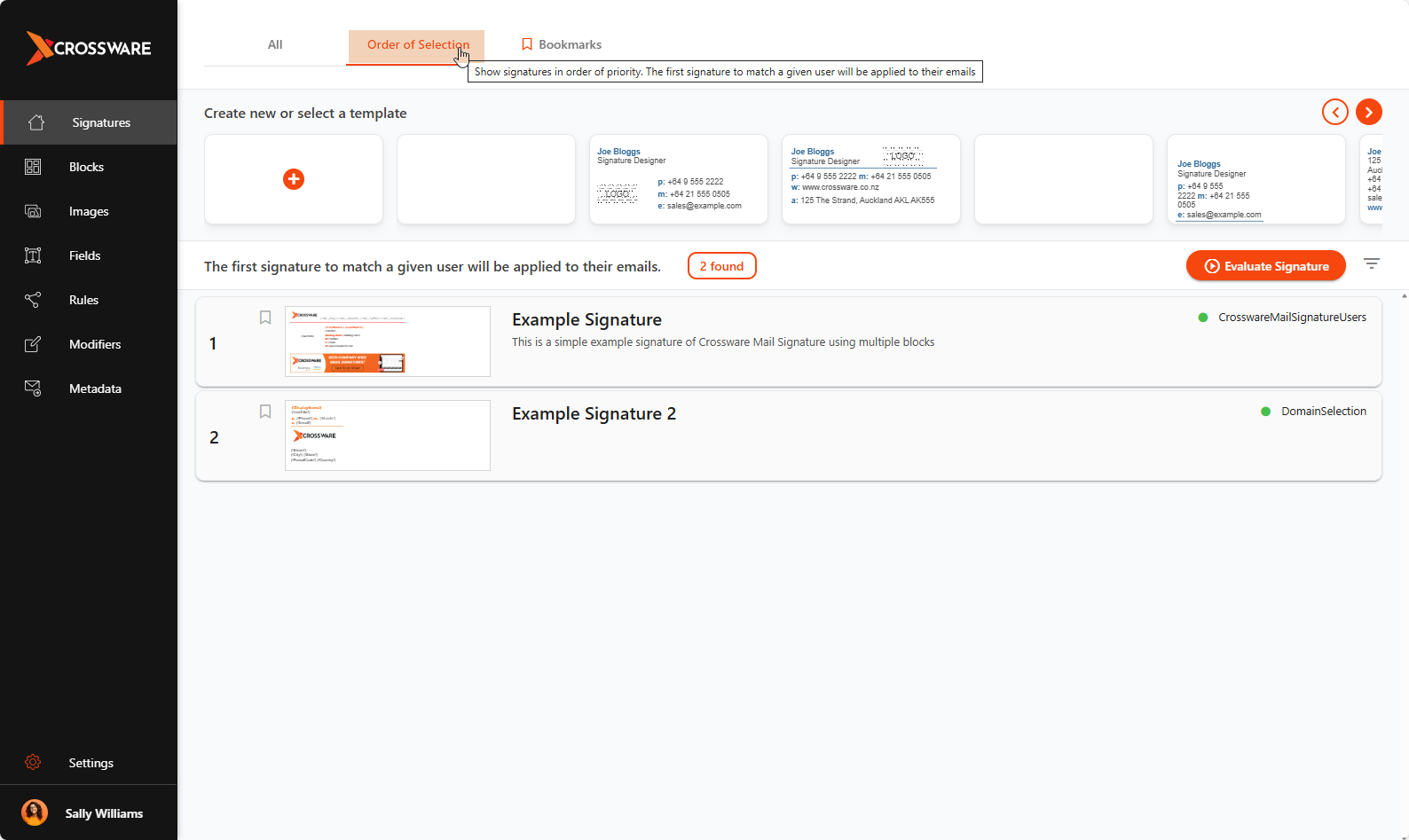
Changing the Order
You can reorder signatures in two ways:
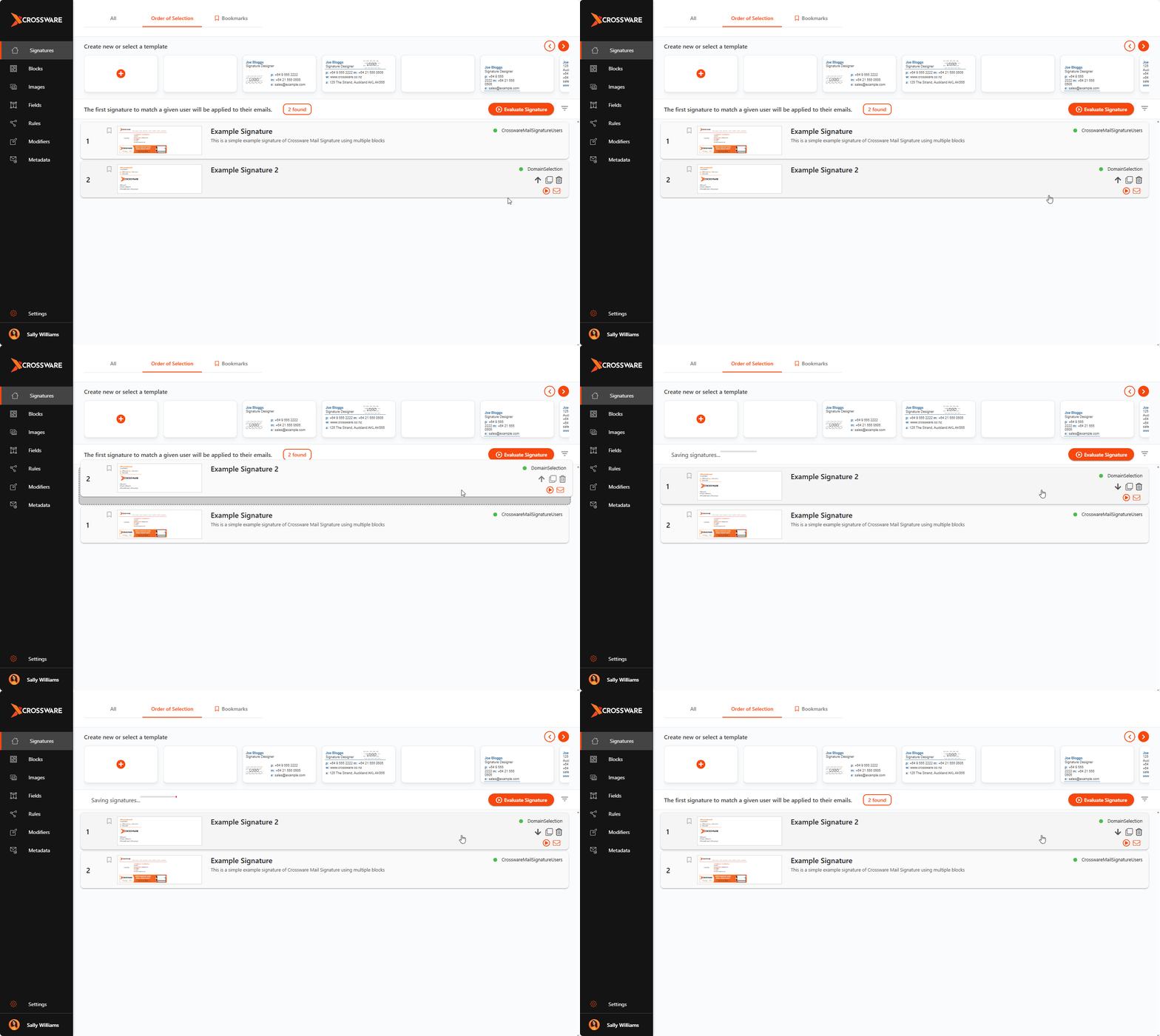
1. Drag and Drop
-
Click and hold a signature.
-
Drag it into the desired position in the list.
2. Use Arrow Controls
When you hover over a signature, arrow icons will appear:
-
Up arrow – move the signature up one position.
-
Double up arrow – move the signature directly to the top.
-
Down arrow – move the signature down one position.
-
Double down arrow – move the signature directly to the bottom.