
To ensure you are using the latest version of the Dynamic Signatures (Client-Side) add-in, you can update it directly from the Microsoft 365 Admin Centre. This keeps your add-in current with the latest improvements and fixes.
Steps to Update the Add-in
-
Go to Microsoft 365 Admin Center and sign in using your Microsoft 365 administrator account.
-
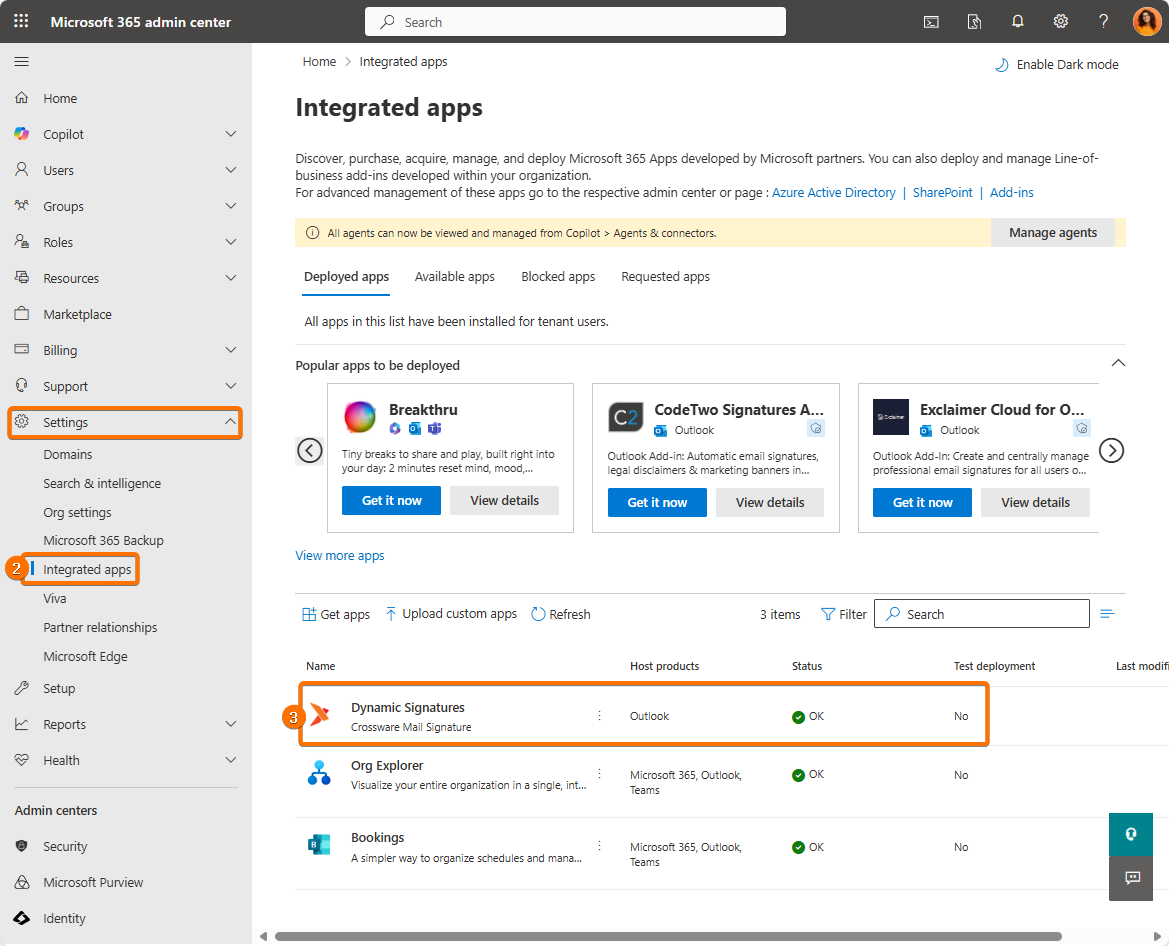
In the left-hand menu, navigate to Settings → Integrated apps.
-
Locate the Dynamic Signatures add-in in the list and click to open it.
-
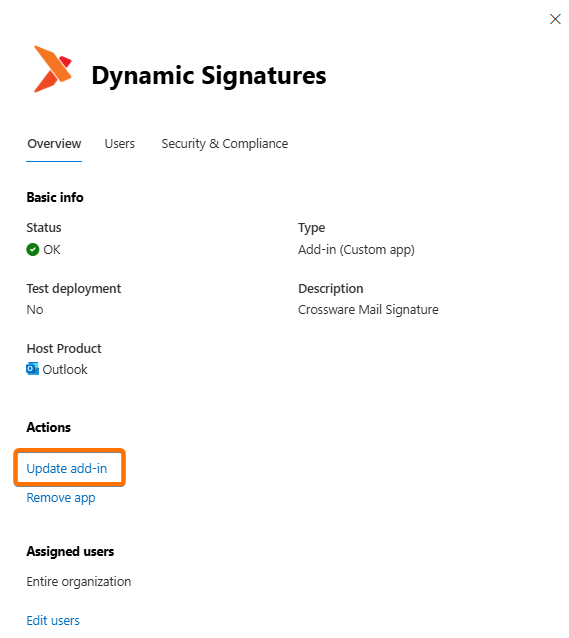
Click Update Add-in.
-
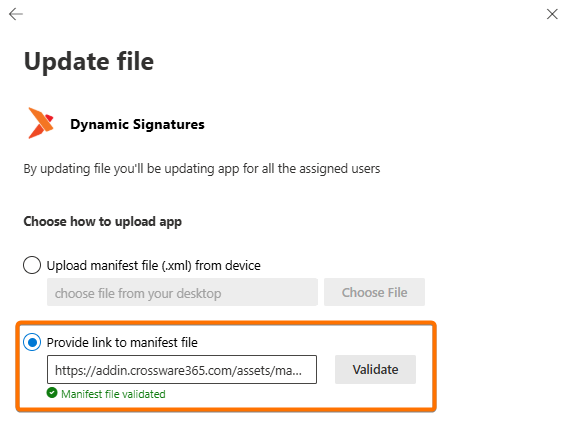
Select Provide link to the manifest file, then enter the following URL:
https://addin.crossware365.com/assets/manifest.xmlClick Validate, and once the file has been successfully validated, select Next to continue.
-
Review the information displayed and click Accept and update to apply the new version of the add-in.
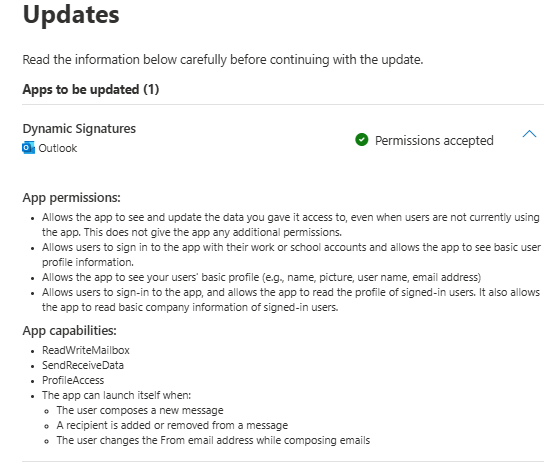
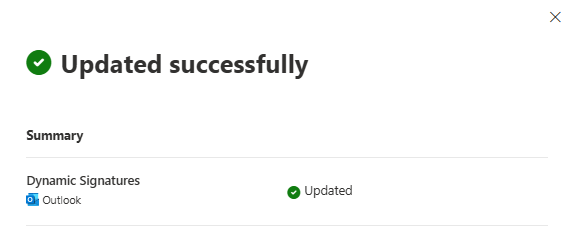
Microsoft states that updates may take up to 24 hours to be fully deployed across your environment.