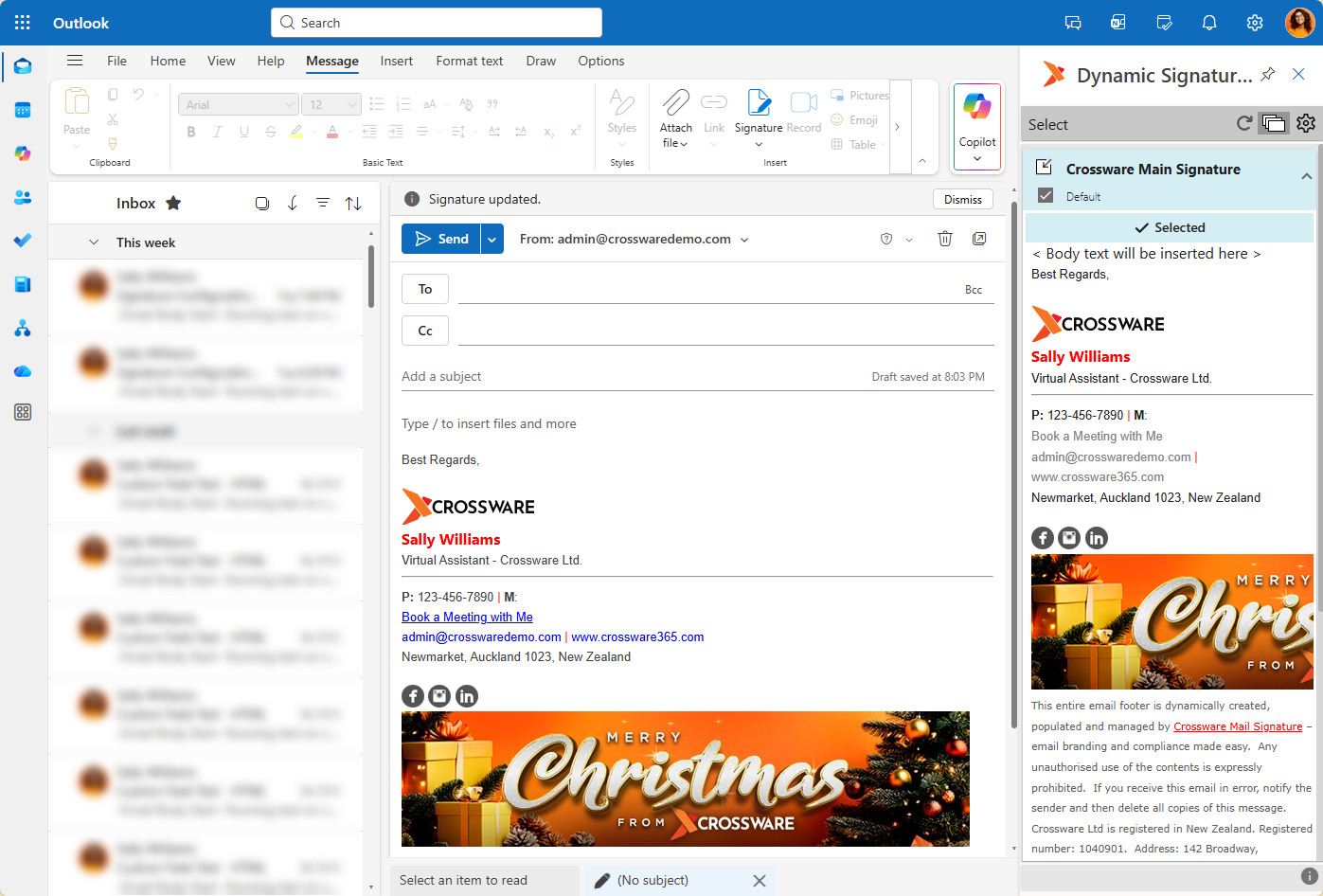
Auto-Insert is a Crossware feature that runs alongside Dynamic Signatures to insert your signature automatically into your email when it is composed, or the recipient fields are updated.
Auto-Insert has two versions, each enabled by a separate Feature toggled from within the Crossware Portal - Admin Section.
These are Auto-Insert, and Auto-Insert (Panel) used for older versions of Outlook.
Auto-Insert
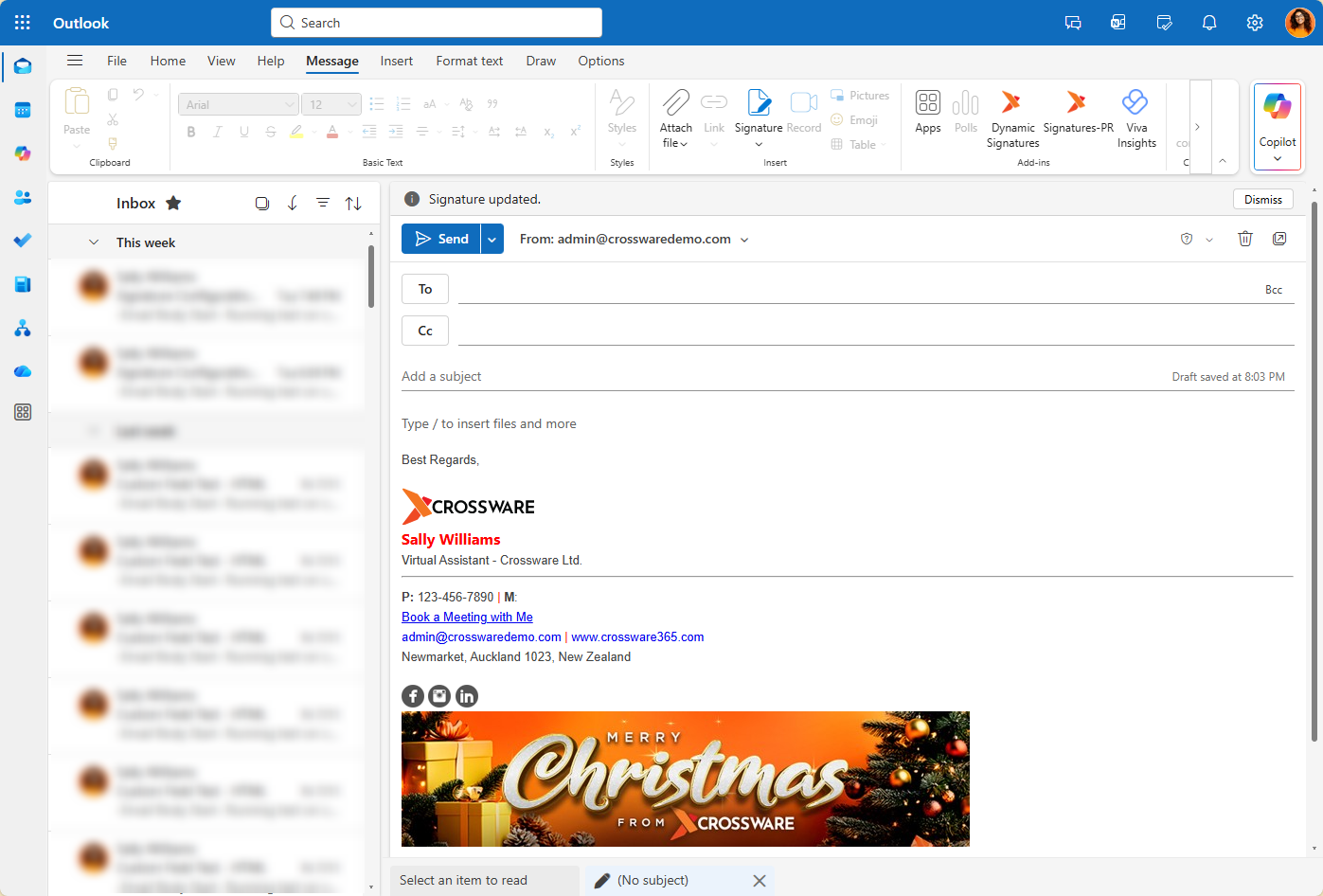
Runs separately from the Dynamic Signatures Panel and does not require the panel to be open in order to have signatures populate inside email.
This also means that it will only reflect the 'default' signature set from within the Panel, not the selected signature.
If the default signature is changed in the Panel, then the user will need to recompose the email for the new 'default' signature to be applied.
Auto-Insert (Panel)
Note that this is not needed for the latest versions of Outlook.
This will run from the cached signatures within your Dynamic Signatures Panel and allows auto insert to work in older versions of Outlook Desktop, namely Outlook 2021 Volume license.
This requires the Dynamic Signatures Panel to be pinned in your email client, so that context of the cached signatures is available for the feature.
This also means that your selected signature within the Panel will be used by Auto-Insert (Panel) feature.