
CrosswareMe allows users to instantly preview their email signature without requiring any add-in or additional setup. This makes it easy to confirm that your details are correct and that the appropriate signature is being applied.
-
No installation or configuration required
-
Instantly preview your email signature
-
Verify both internal and external signature versions
-
Easily accessible via a simple URL
How to Access CrosswareMe
Follow the steps below to view your email signature:
-
Navigate to Crossware Me
-
Sign in using your Microsoft 365 account.
-
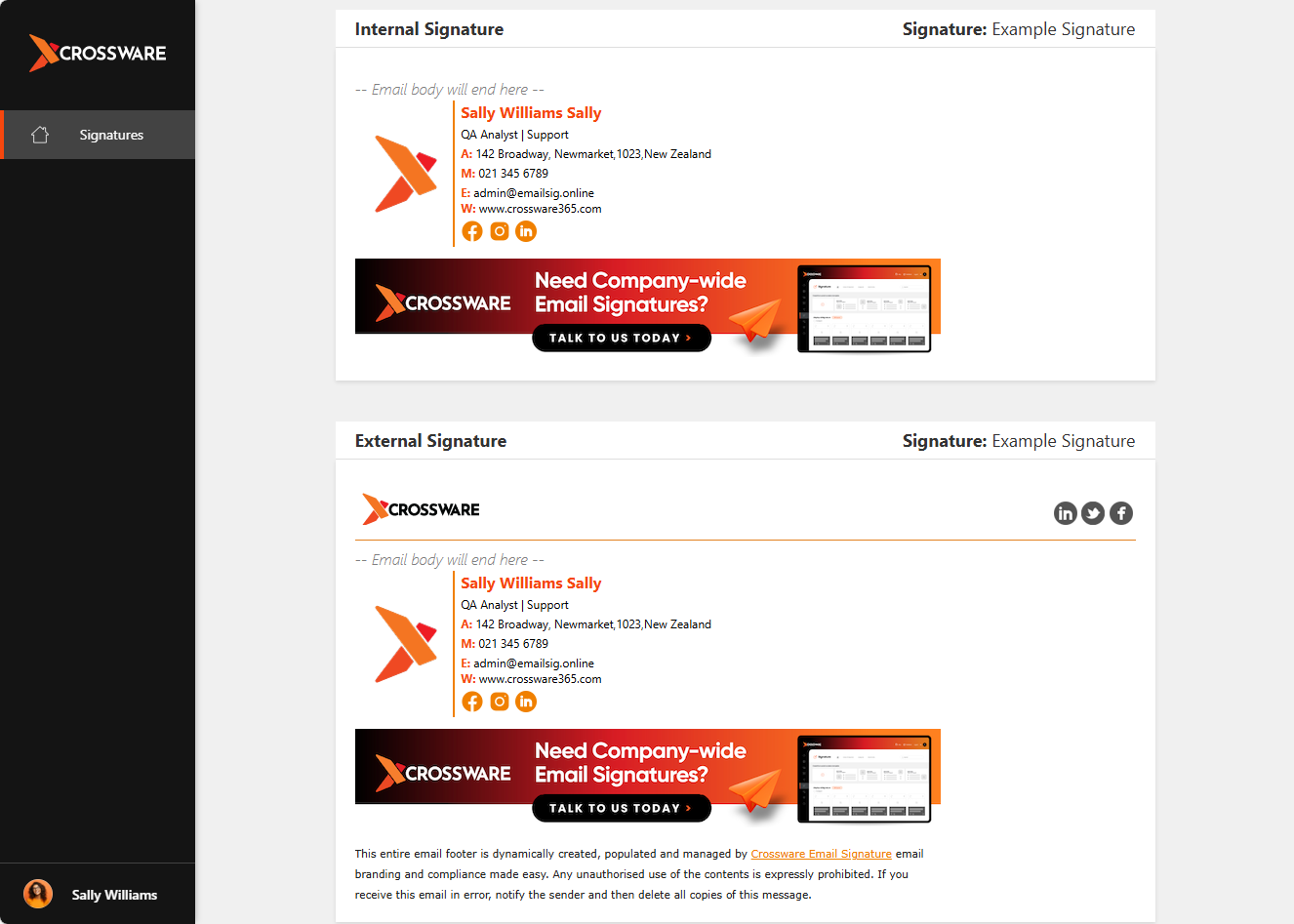
Once logged in, you will be able to view:
-
Your Internal Email Signature
-
Your External Email Signature
-
Notes
-
Ensure you are signing in with the correct Microsoft 365 account