
What is Enhanced Logging?
Enhanced Logging is a way to get more detailed logs while a message is being processed by Crossware's SMTP servers. This extra detail helps with troubleshooting and problem investigation.
How to Turn On Enhanced Logging
To trigger enhanced logging for a particular email:
-
Add the text
@XWARECAPTURE@at the very end of the Subject line of the email. -
Send the email as usual.
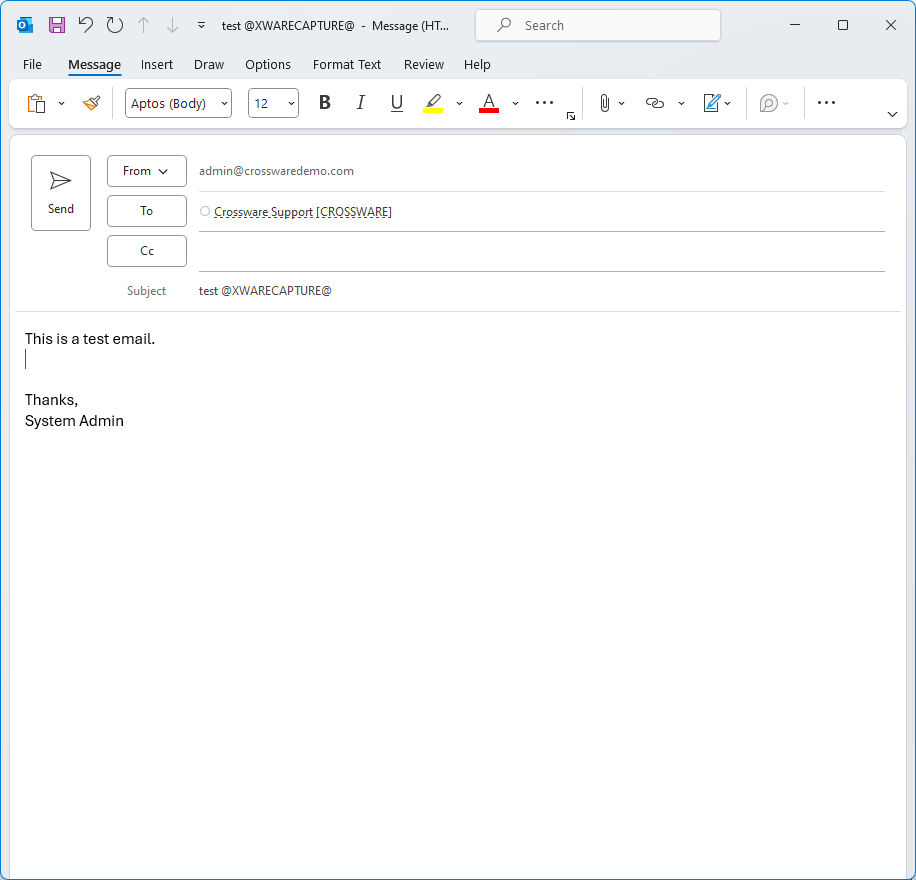
-
Once you've done that, contact Crossware Support and let them know. They will then examine the detailed logs for that message.