
When using the Crossware Client-side mobile add-in, you may see an "Unable to set signature" message when attempting to insert your signature.
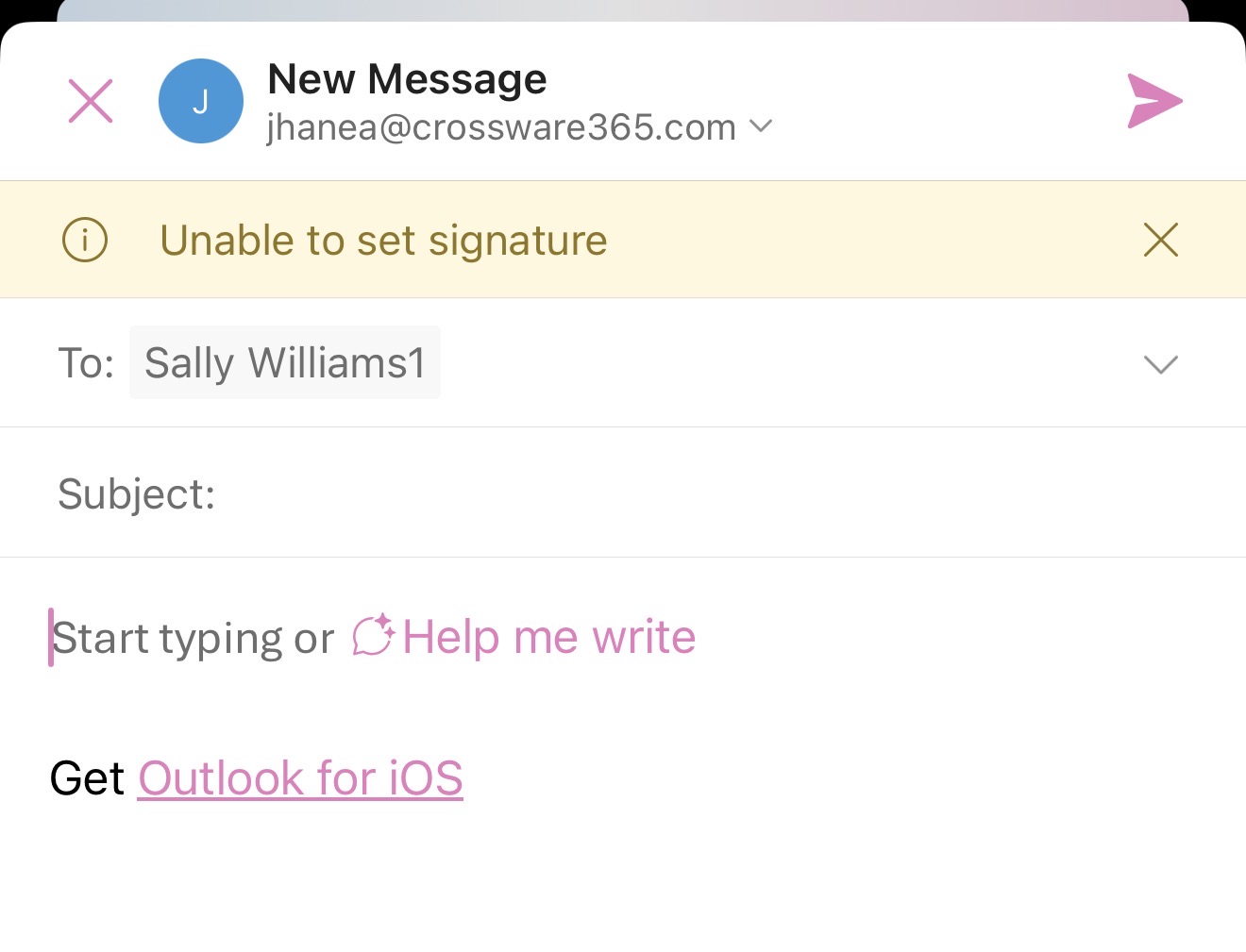
This can occur when the total size of the signature exceeds the maximum size supported by the Outlook mobile app. The limit applies to the entire signature, including HTML/code, images, banners, and other content.
When the signature exceeds this limit, client-side signature insertion, including Auto Insert, may not work as expected. Outlook may be unable to insert the full signature and display an "Unable to set signature" message instead.
The supported limit is approximately 80-100 KB for the total signature.
This is an Outlook mobile limitation and is outside of Crossware's control, see Microsoft Learn: Office.Body interface.
Troubleshooting
If the Outlook mobile add-in displays the message, follow the steps below to determine whether the signature size is causing the issue.
1. Test the signature without the banner
Temporarily remove the banner from the signature and assign the updated signature to the affected user.
Open Outlook mobile and try to insert the signature using the Crossware add-in.
-
If the signature inserts successfully: The original signature is likely exceeding Outlook mobile's supported size limit.
-
If the signature still does not insert: Further troubleshooting may be required.
2. Test with a new, simplified signature
If required, create a new test signature without the banner or other large images and assign it to the affected user.
Try inserting the test signature in Outlook mobile.
If the simplified signature inserts successfully, this confirms that the size or content of the original signature is contributing to the issue.
Resolution
If the signature exceeds the Outlook mobile size limit, consider:
-
Removing the banner.
-
Reducing the dimensions or file size of images.
-
Optimising images before adding them to the signature.
-
Removing unnecessary images or HTML content.