
This error occurs when a formula references a (!Lookup!), but Crossware Email Signature cannot find that lookup in the Lookup Configurations view.
Possible Causes
-
The lookup does not exist
The referenced lookup may have been renamed or deleted, causing the formula to fail. -
Formatting issue in the lookup name
A font or formatting change (for example, bold, italic, or different font styles) in the formula or lookup reference can split or corrupt the lookup name, preventing it from being recognized correctly.
Example Scenario
In the Signature HTML, you may have a line similar to:
<span style="color:#f6470e;"> <strong>M:</strong></span><span style="color:#000000;"> (!Mobi</span>le!)
Although this appears correct visually, the lookup (!Mobile!) has been split by HTML formatting, with part of it in one span and the rest in another.

As a result, Crossware reads this as invalid and displays the error:
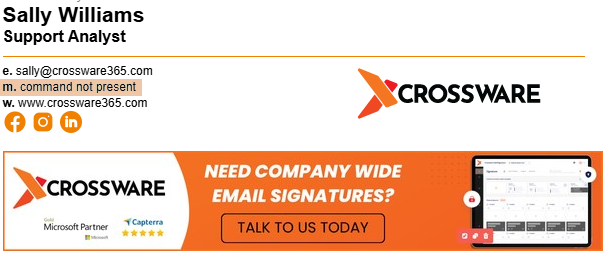
Correct Fix:
Ensure the lookup is not broken by formatting. The corrected version should be:
<span style="color:#f6470e;"> <strong>M:</strong></span><span style="color:#000000;"> (!Mobile!)</span>