Crossware refreshes directory data either within a few minutes, or during the next 24 hours. A refresh is also triggered immediately when you:
-
Save or re-save a signature configuration.
-
Add, remove, or update users or groups
A full cache refresh also runs every 24 hours. Most updates appear quickly, but in rare cases, it can take the full 24 hours for changes to be reflected.
How to see instant changes
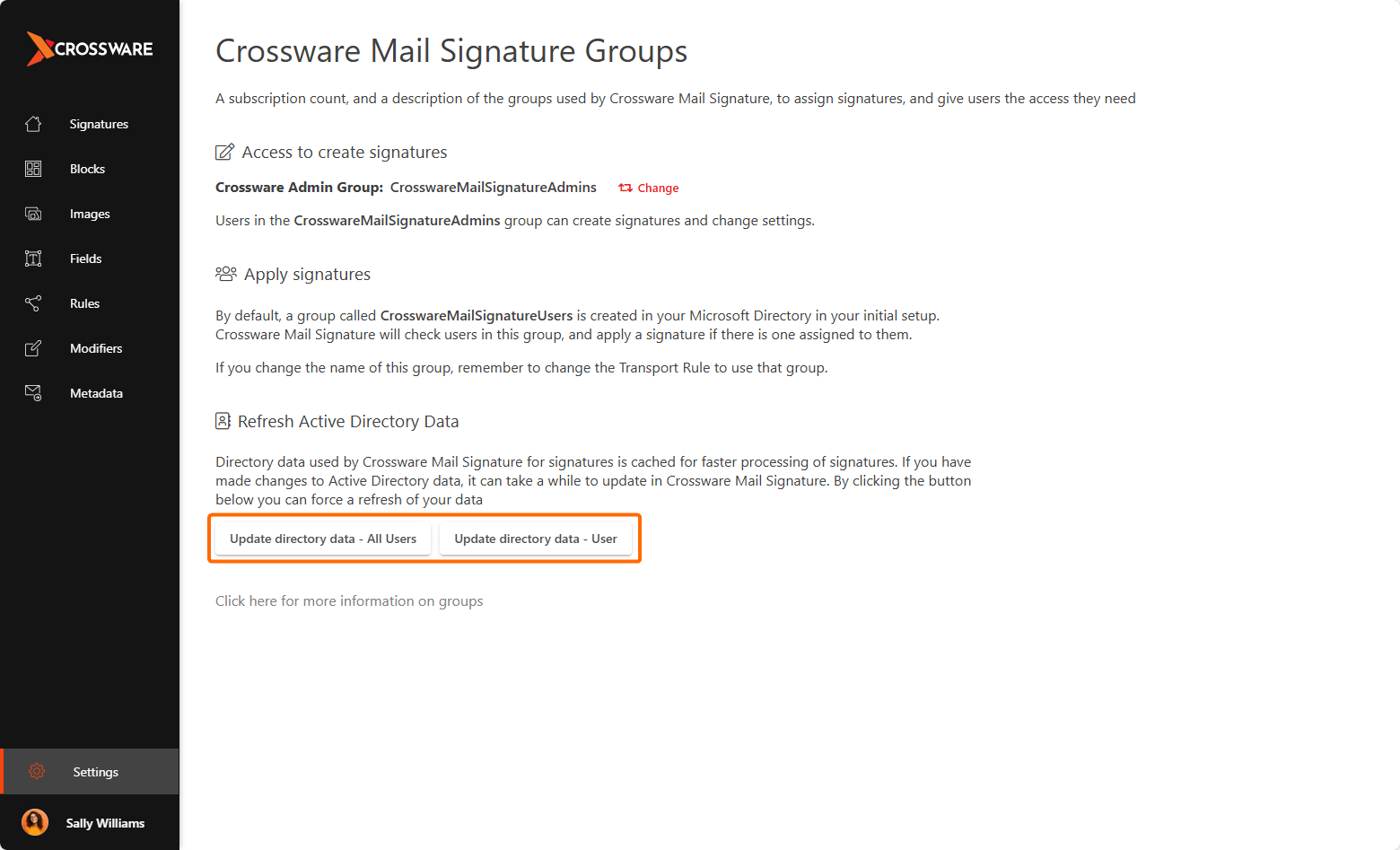
If you want to make changes appear instantly, follow these steps to update the AD Cache:
-
Log in to the Crossware Portal.
-
Navigate to Settings and under Setup, click Manage Users.
-
Choose one of the following:
-
Update directory data – All Users to refresh the full directory.
-
Update directory data – User to refresh an individual user.
-