
When Low Power Mode is enabled on an iOS device, embedded images in emails may load only partially or fail to load altogether. This behaviour is more common when image files are large or when the device has a slow or unstable network connection.
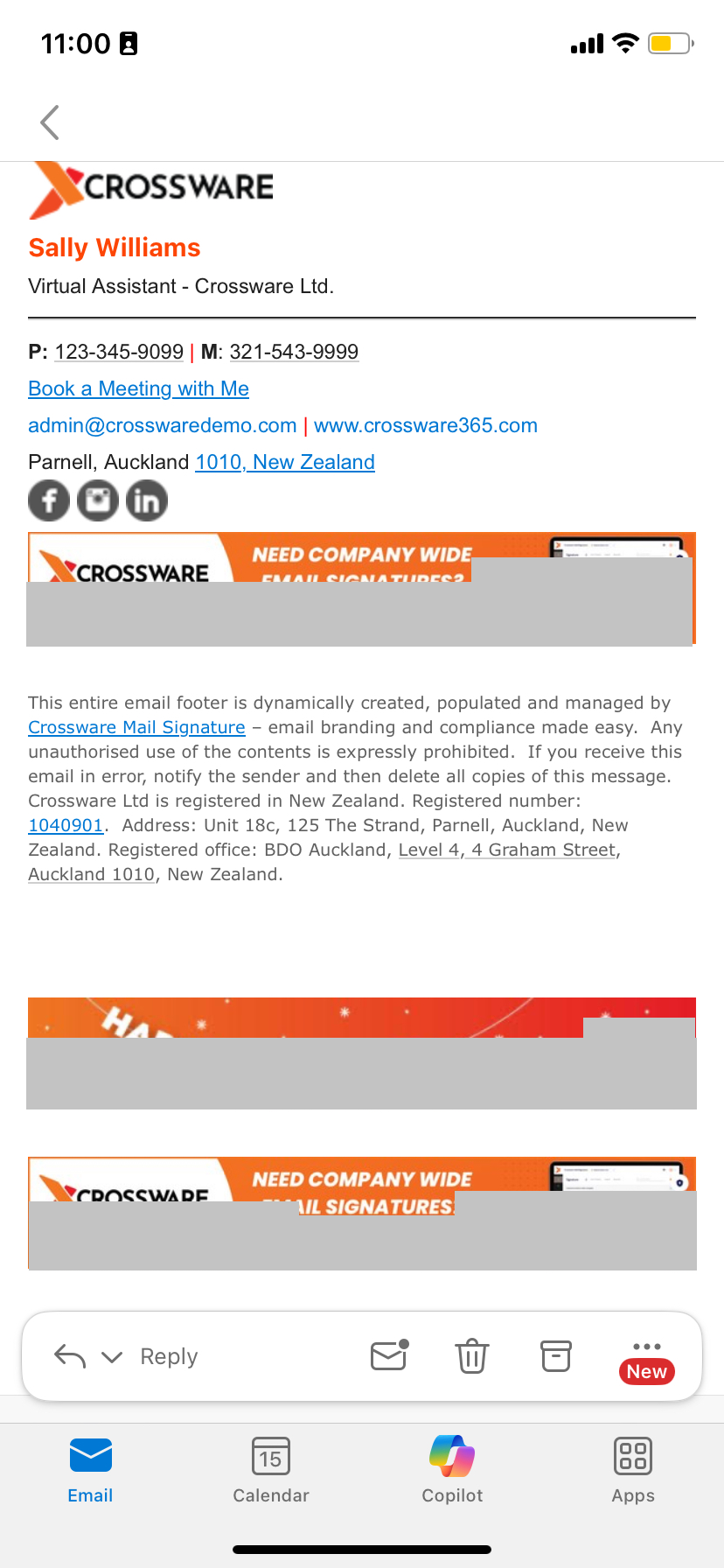
Low Power Mode restricts background activity and adjusts device performance to help conserve battery life. As a result, image loading within emails can be delayed, interrupted, or prevented.
To avoid this issue, ask users to turn off Low Power Mode or ensure images are optimised for smaller file sizes before including them in email signatures.