
Image Fields allow you to insert custom images such as company logos, advertising banners, or social media icons directly into the body of an email signature.
-
Images are embedded inline (not as attachments) for a professional appearance.
-
All images are stored in the Image Library, making them reusable across multiple signature configurations.
Creating an Image Field
Create an Image Folder
-
Sign in to the Crossware Portal and navigate to Images and click New Folder.
-
Enter a folder name and description.
Upload Images
-
Select the folder you created.
-
Click Add Image to upload images from your local device.
-
Ensure file names are descriptive and consistent (e.g.,
companylogo.png).
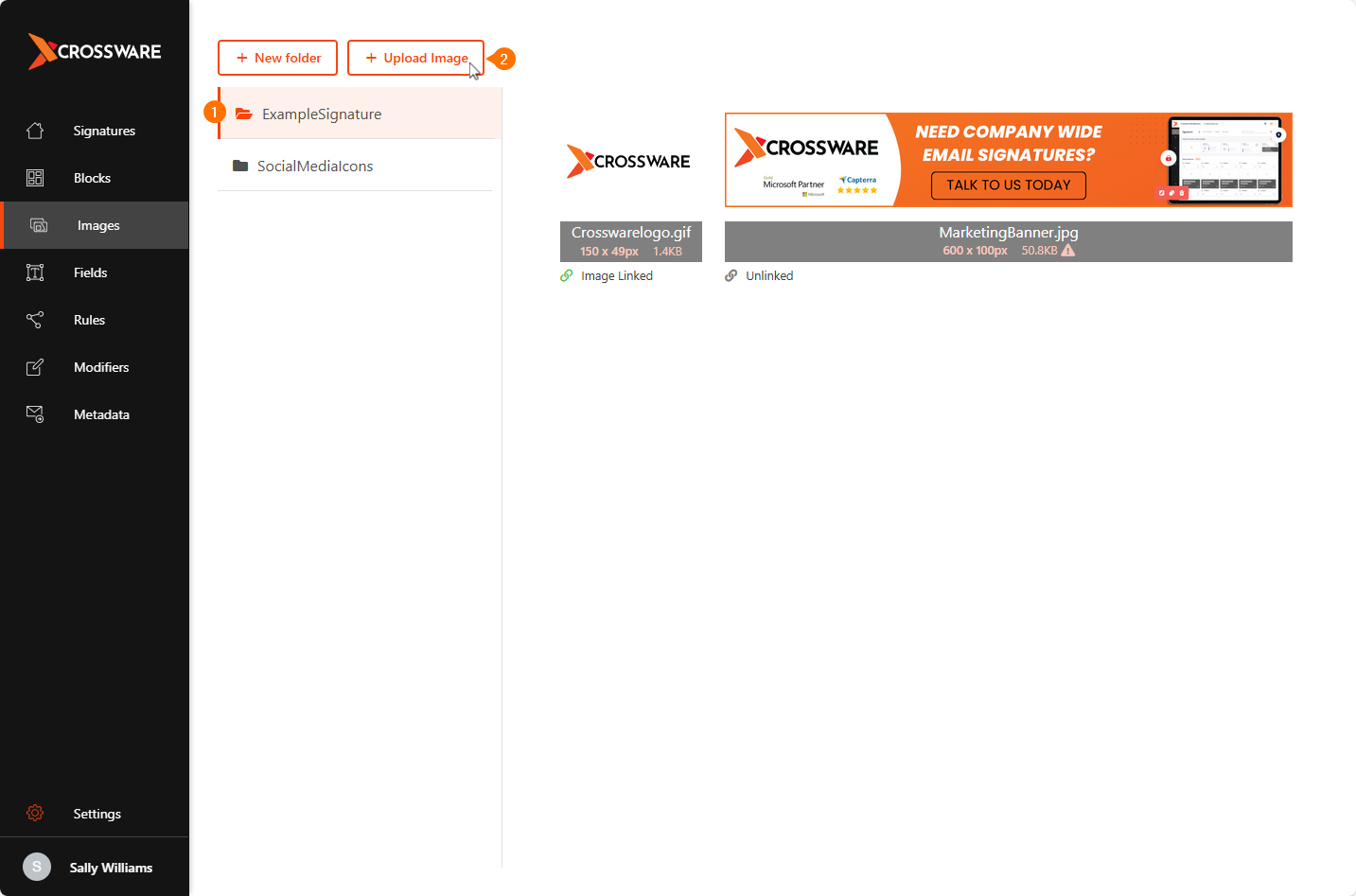
If the image exceeds 10 KB, review optimisation recommendations shown above the upload option.
Create the Image Field
-
Go to Fields section in Crossware Portal.
-
Click the Image tab and Select Create image field.
-
Fill in the field details.
Field Settings:
Field Name - A unique identifier for your image field. This is what you’ll insert into your signature configuration.
Where is the image stored? - Choose between:
-
Mail Signature Library - Image Images from the Image Library (e.g., company-wide logos).
-
Active Directory - Images pulled from a directory field (e.g., user profile photos in AD/WAAD).
HTML Attributes - Optional formatting to control size, style, or alignment of the image.
The Image fields for these social media icons have already been set up for you. Simply select them from the available fields when designing your signature or signature blocks.
-
Click Save.
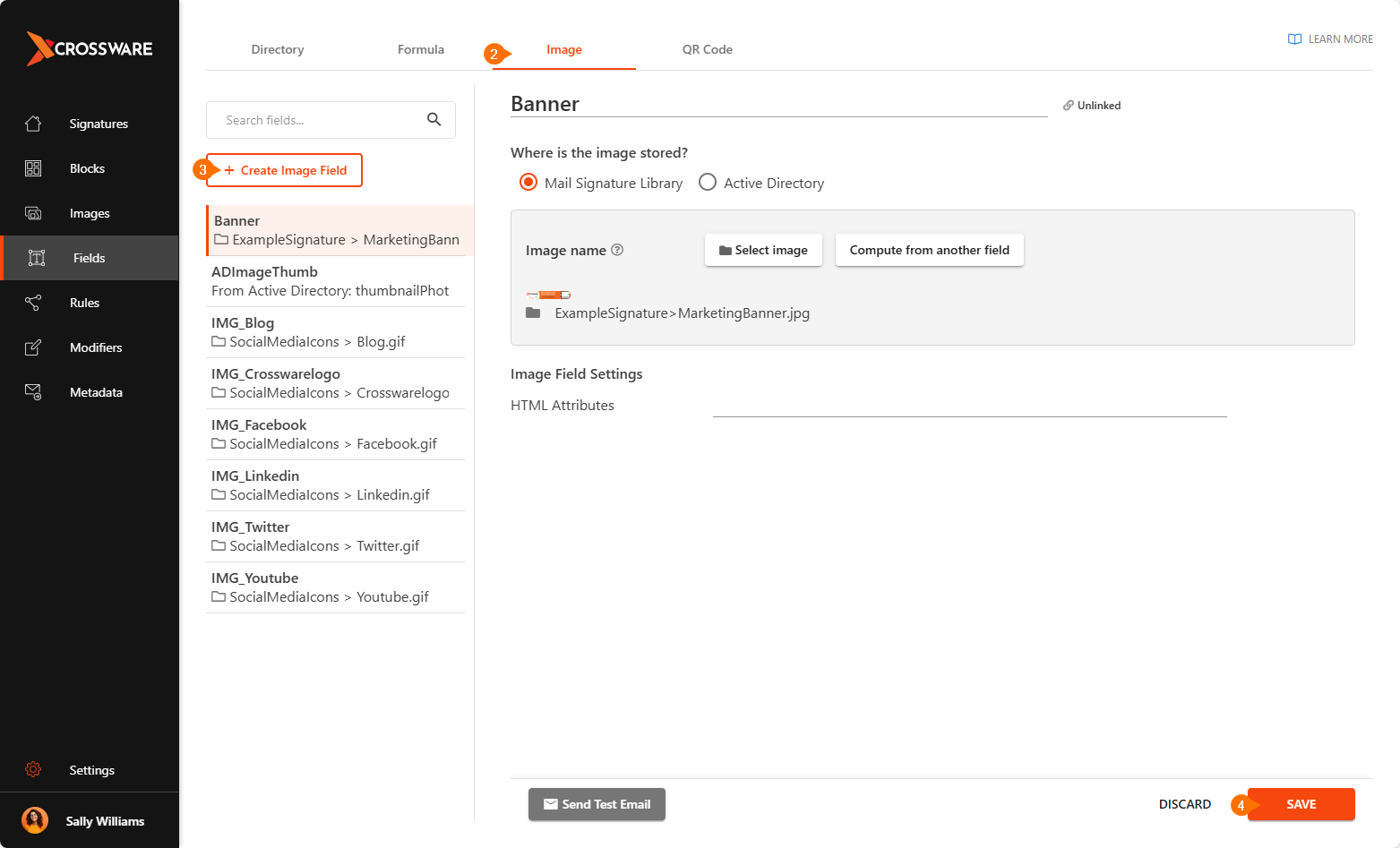
You can now add the Image field to your signature or signature block.
Use Case
Shared Company Images
-
Common assets (logos, banners, icons) can be reused across multiple signatures.
-
Updating the image in the library updates it everywhere it's used.
Employee Images
-
Dynamic image fields can pull employee photos directly from Active Directory at runtime, ensuring personalized signatures.
Related Articles