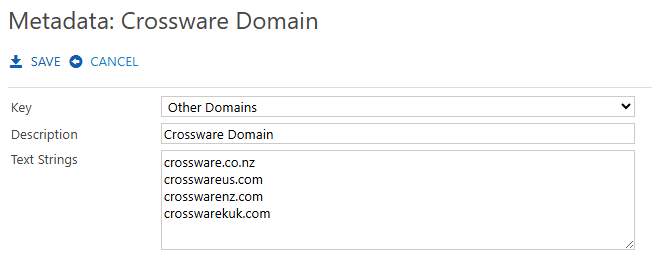
Metadata documents extend the functionality of Crossware Email Signature. Only one document should be created for each metadata type.
You can define custom forward and reply strings so the system can accurately detect the start of forwarded or replied emails.
Metadata Document Types
There are four metadata types:
-
Plain Text – used for plain text emails.
-
HTML – used for HTML formatted emails.
-
iPhone – detects replies sent from iPhones.
-
Other Domains – lets you mark additional domains as internal. This ensures that rules or signature blocks set to “Internal Only” or “External Only” apply correctly.
Creating a Metadata Document
-
In the left-hand menu, go to Admin > Metadata.
-
Select Create New.
-
Choose a Key from the drop-down menu. This defines the type of metadata you are adding.
-
Enter the required value(s).
-
Save the document.
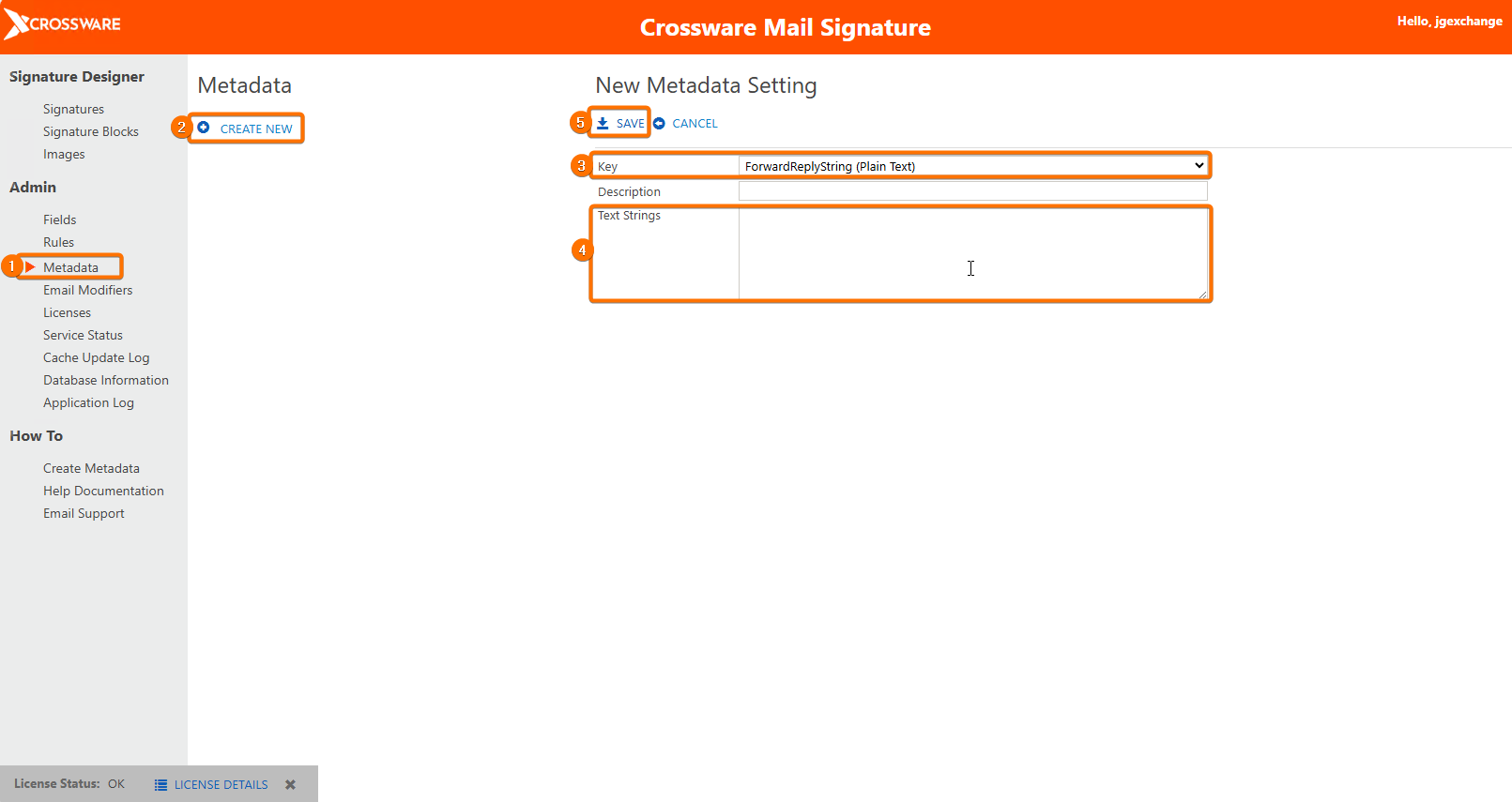
Key
This field is a drop-down list with the available strings available.
The application attempts to determine the start of a reply in the MIME e-mail.
The system has built in functionality for detecting a reply and forward strings, but it is not possible to hard code all the possible combinations as to where the start of a reply is. Therefore, you can add your own Metadata to the application. Please remember, in an HTML e-mail there will be HTML tags before the visible text.
Key Types
-
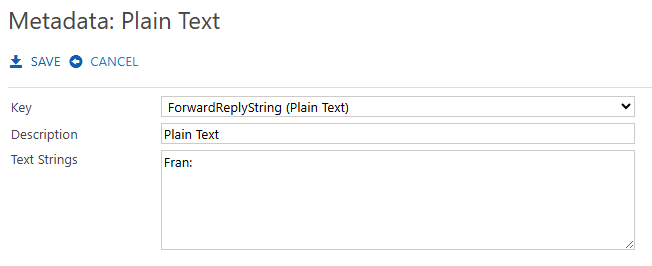
Forward/Reply String (Plain Text):
Add a custom string to help identify forwards or replies in plain text emails.
-
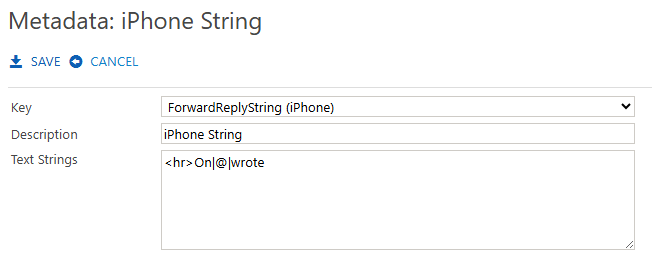
Forward/Reply String (iPhone):
Define replacement values for words such as On, at, and wrote so that replies in different iPhone language formats are recognised.
-
Other Domains:
Add the email domains you wish to treat as internal. This ensures your internal/external signature rules work correctly.