
If you want a specific signature or signature block to appear only on reply emails (and not on new messages), follow the steps below.
Steps
-
Log in to Crossware Email Signature and open the Signature Designer.
-
In the left-hand menu, select Signatures or Signature Blocks.
-
Locate the signature or signature block you want to apply to replies only, then click Edit.
-
In Applies to section click Change.
-
Under Insert Into, select Replies Only.
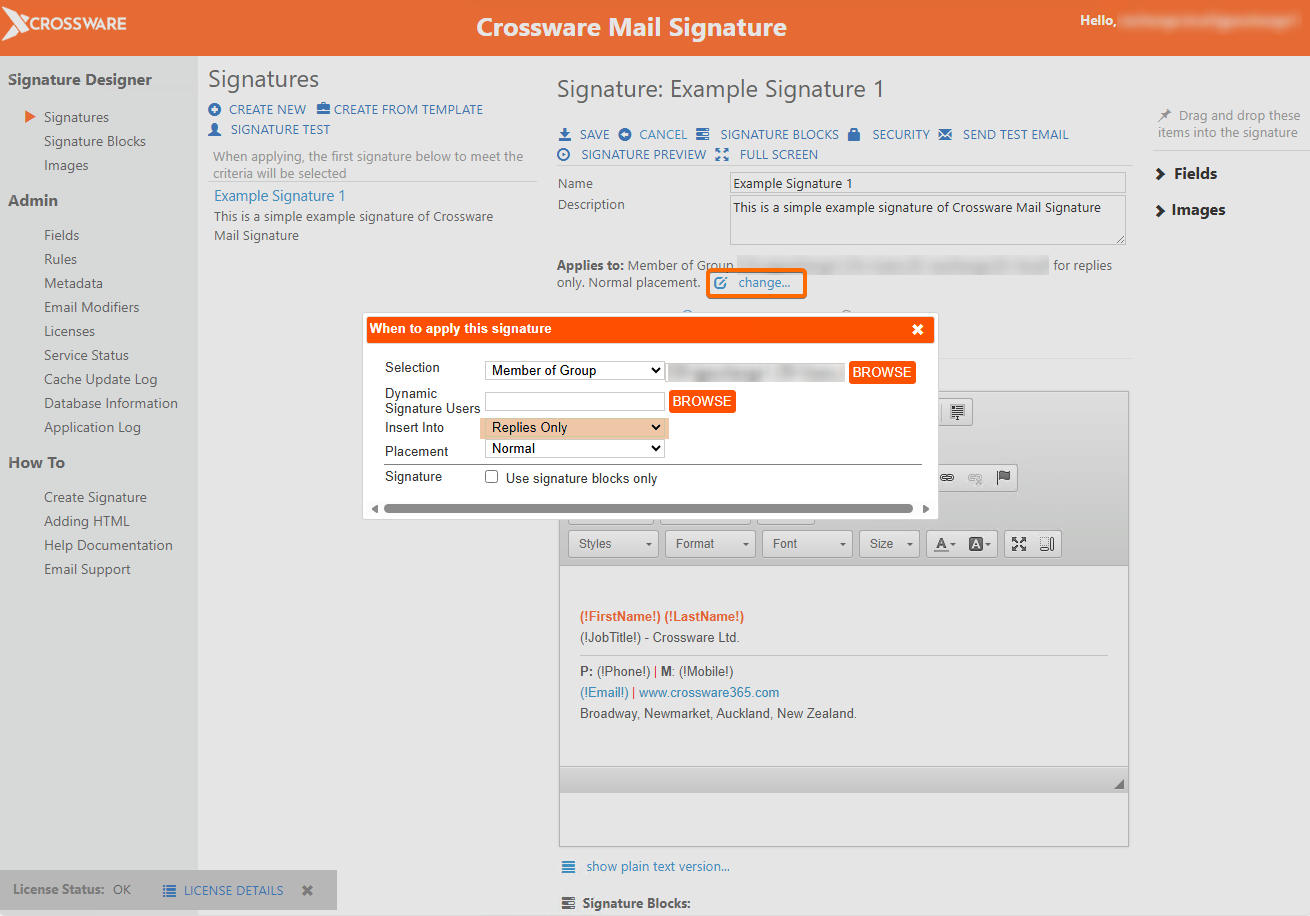
-
Click Save to confirm your changes.
-
Test your configuration to ensure the signature or block is only applied to replies, not new emails.