Metadata documents extend the functionality of Crossware Email Signature. There should only be one document created for each type of meta data. Each document type and its purpose are outlined below
Metadata document types
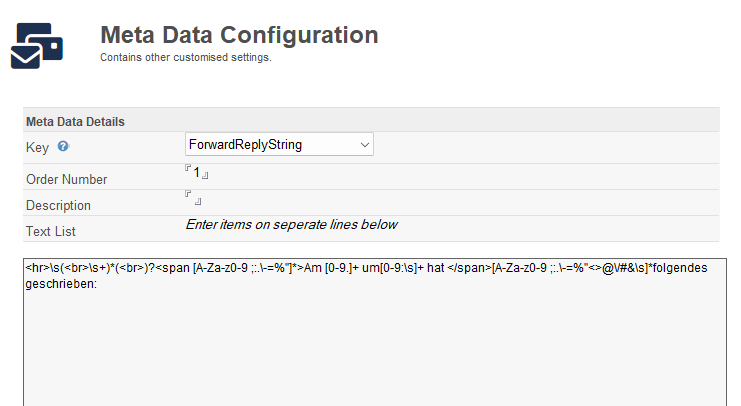
Forward Reply String
The application attempts to determine the start of a reply in the MIME e-mail.
The system has built in functionality for detecting a reply and forward strings, but it is not possible to hard code all the possible combinations as to where the start of a reply is. Therefore, you can add your own Metadata to the application. Please remember, in an HTML e-mail there will be HTML tags before the visible text.
Text Only
This option allows you to define domains for which a text only version of the signature will be sent to. This is to allow emails for which it is known that in-line images will be blocked.
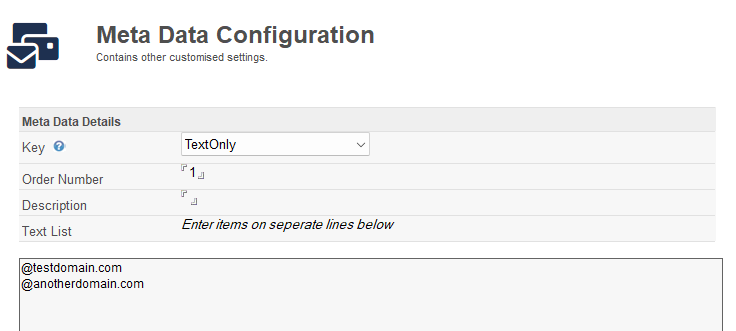
This functionality can now be reproduced using sub signatures and with Use HTML File functionality.
Other Domains
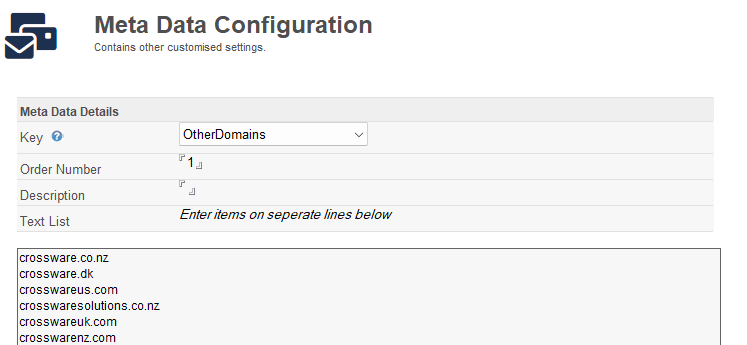
This option allows the configuration of additional email domains that are considered to be internal. Sub-signatures can be configured to be for internal or external emails.
This Meta Data should contain the internet email Domain and Notes Domains which are considered internal Domains.
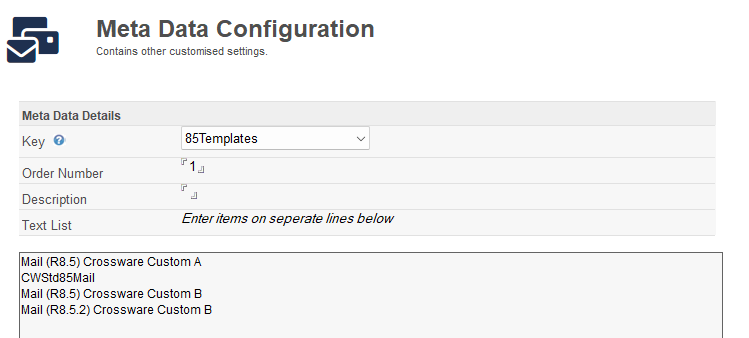
8.5 Templates
This option allows the configuration of additional 8.5 mail templates for Local Signatures. By default, the application recognises StdR85Mail as the 8.5 template. Add custom template names to instruct the application that these templates are for Notes 8.5.
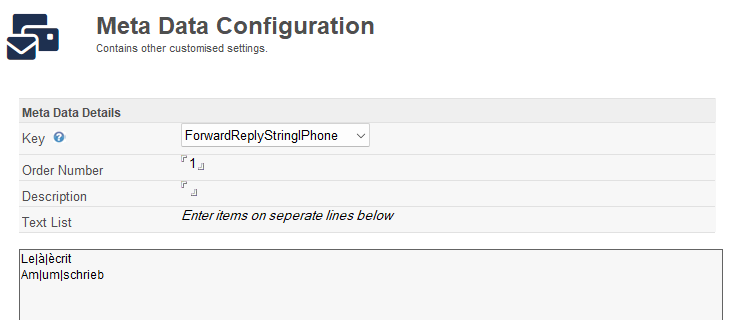
ForwardReplyStringIPhone
These strings are replacements for the iPhone reply detection.
iPhone replies take the format On at wrote:
Each line must contain 3 items separated by the bar | character representing the replacement values for On, at and wrote that appear in the specific language replies.