
The Image Library is a repository for image attachments that can be used within the signature application.
Images can be grouped by type within a Notes Document.
By adding the images to the image library, a consistent location for the images can be implemented on all servers where Crossware Email Signature is installed.
New Library
To create a new library, open the Image Library view and click on the New Image Library action.

Form Fields
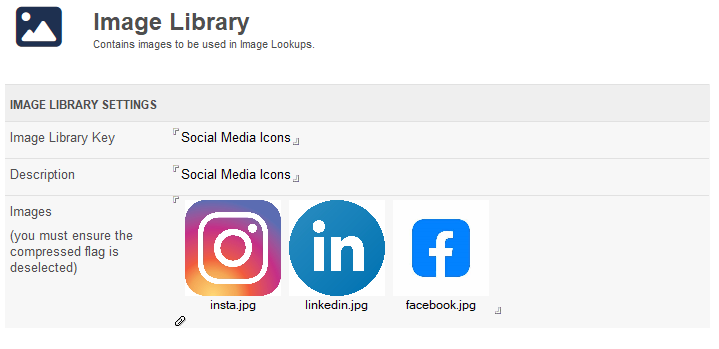
Image Library Key
The key name for this document, this can be any text value.
Description
This is description field.
Images
This is a Rich Text field for attaching the images.
When attaching images, you must ensure that the Compress option is deselected.
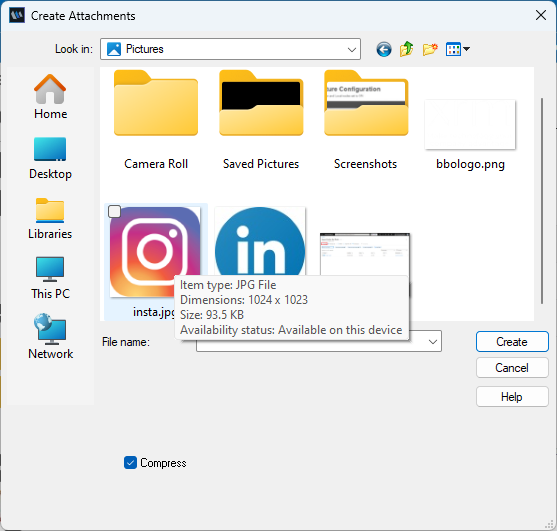
Supported Image Types
Currently only GIF, JPEG and Bitmaps are supported. This limitation is imposed by the domino server.
Bitmaps MUST be attached in an uncompressed format.