Domain Group documents are used in the processing of Sub Signatures. See Configuring Sub Signatures for further information about how and why Sub Signatures are used.
Creating a new Domain Group
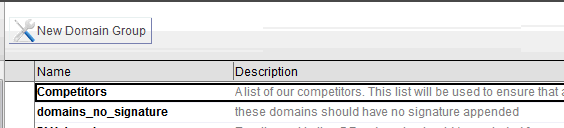
To create a new group, open the Domain Group view from the main navigator and click on the New Domain Group action bar button.
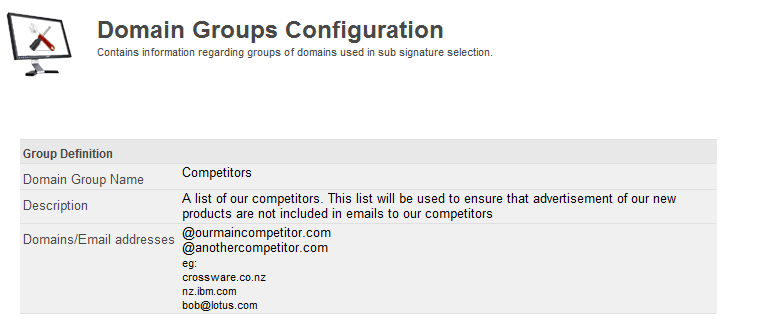
Enter a Domain Group name
This must be unique. This name will be used in lookups in Configuring Sub Signatures. Crossware recommends using a meaningful name.
Enter a description
A plain text description of the domain group, possibly describing where and how the group is used.
Enter a list of email domains or individual email addresses
A list of search strings used on the recipients field when processing sub-signatures. Separate multiple items with a carriage return.
Example Configuration