
To allow a lookup to return a mailto hyperlink in the signature configuration.
-
Create a new lookup - Signature Configuration > Lookup Configuration > Select +New Lookup
-
Select Formula Lookup and paste in the mailto formula below.
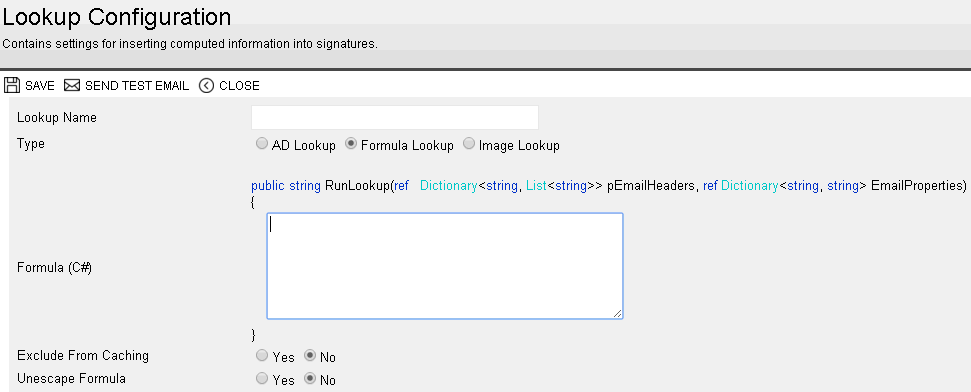
Formula for mailto below
string strMail;
string strFormat;
strFormat = "(!format!)";
strMail = "(!email!)";
if (strMail == "")
{
 return "";
}
else
{
   if(strFormat=="1")
   {
  return "eMail: "+ "" + strMail + "";
}
    else
    {
        return "eMail: " + strMail;
    }
}
Save and Send test email.