
Issue
Signature Ghost Attachments
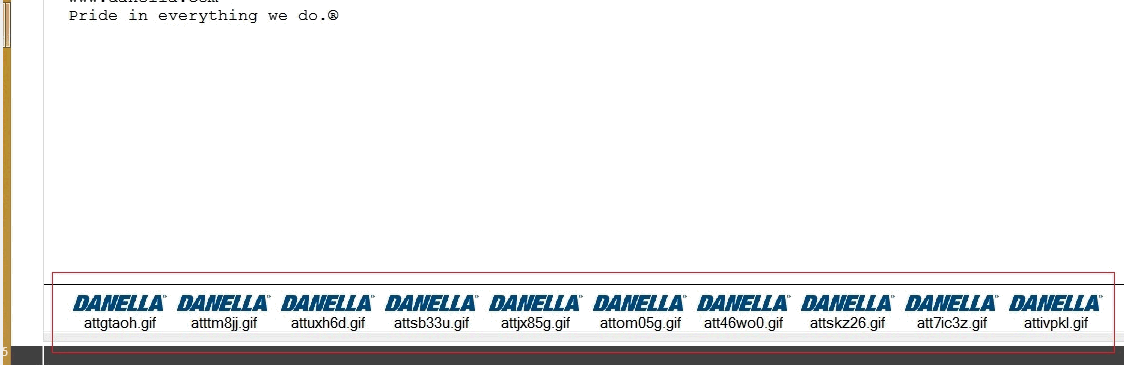
Please check your configured signature for multiple attachments at the bottom of the configuration.
Resolution
Resolved by creating a button on the Toolbar, with the following command:
From your Lotus Notes client please do the following:
-
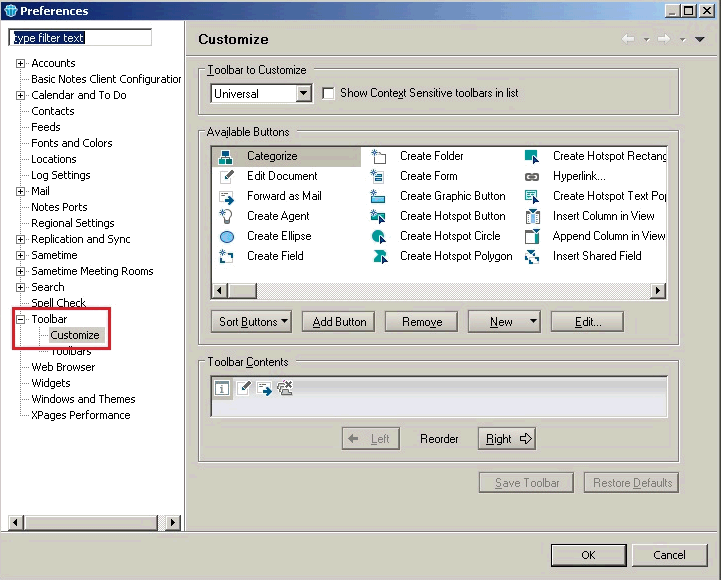
Go to File > Preferences > Toolbar > Customise
-
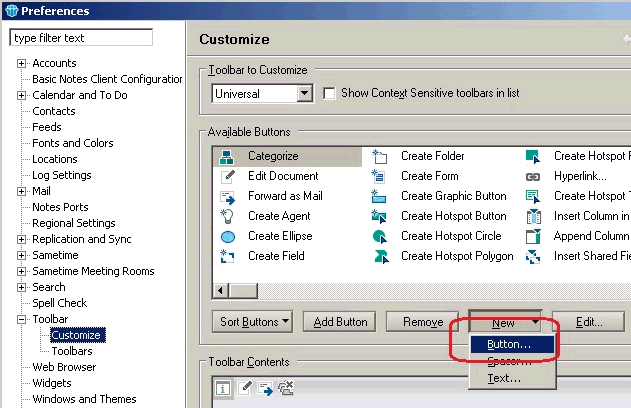
From the Customize Dialog Box > Press New > Button
-
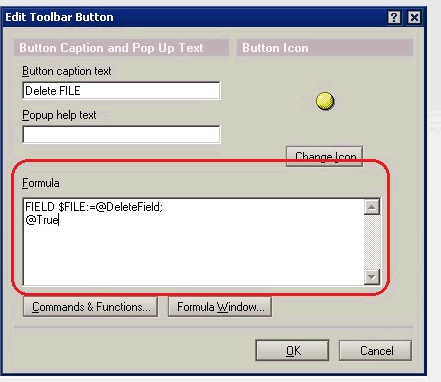
Copy the below formula and paste into the Formula editor:
FIELD $FILE:=@DeleteField;
@True
Press OK
-
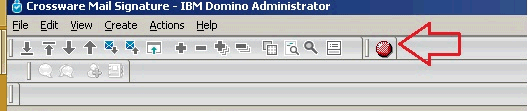
The button should be available in the Toolbar
-
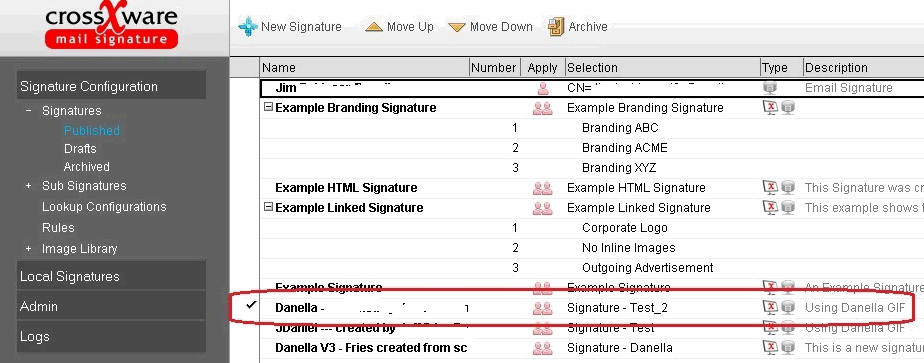
Open your Crossware Mail Signature Database (esig.nsf)
Select your the published signature e.g. Danella
We then ran our button over the Published signature.
-
From the Toolbar Click on the button we created above in step 4
-
The ghost images should have been removed
-
Retest your signature