
When installed on a server, the esig.nsf database is quite large. To help us provide support, we may require a copy of your current configuration.
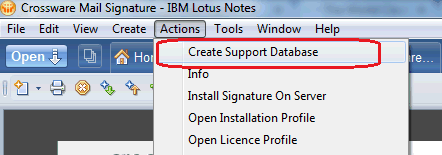
Manually creating a support Copy
It is possible to create a copy of the configuration which is small enough to be emailed to support@crossware365.com
Support Email
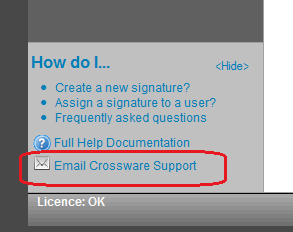
Version 4 onwards now includes an option to automate the process of creating a support database. From the home screen, the link Email Crossware Support
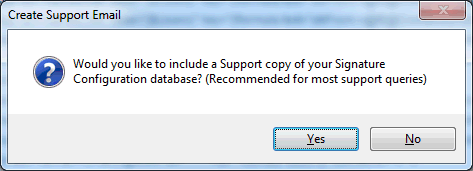
The following prompt will ask if you would like to include a support copy of the database in the email, selecting yes, will include this copy.
Please see Support Emails for examples of other helpful information you can provide, which will enable us to quickly resolve any issues you may be experiencing.