There may be certain emails that do not require a signature.
To allow users to enter a specific code at the start of the subject line and not have a signature appended, follow these steps.
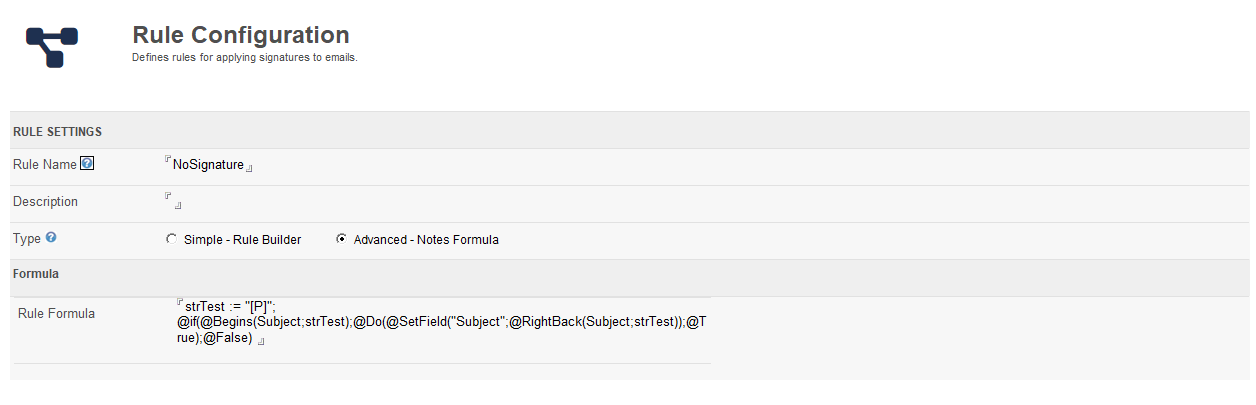
Create a Rule
Paste this formula into the Rule Formula field:
strTest := "[NS]"; @if(@Begins(Subject;strTest);@Do(@SetField("Subject";@RightBack(Subject;strTest));@True);@False)
The [NS] is the code (works for mobile emails too). You can change this code but it is recommended that you keep the brackets, or make sure that the code will be unique and no chance that a user would enter that code as part of their normal subject line text.
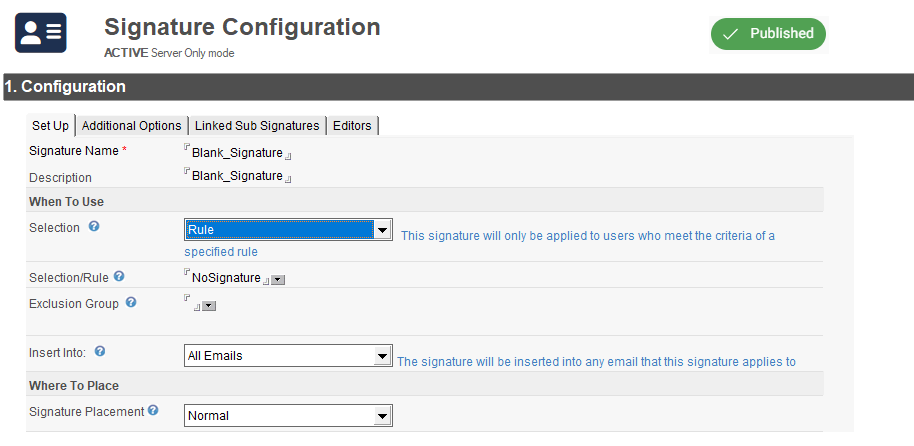
Create a new Signature Configuration
Name it something like "InsertNoSignature" or "InsertBlankSignature"
-
Set the Selection to Rule
-
Select the NoSignatureRule
-
Set Insert Into to All Emails
-
Put one blank space into the Rich Text Signature area
-
Save
-
Publish the signature
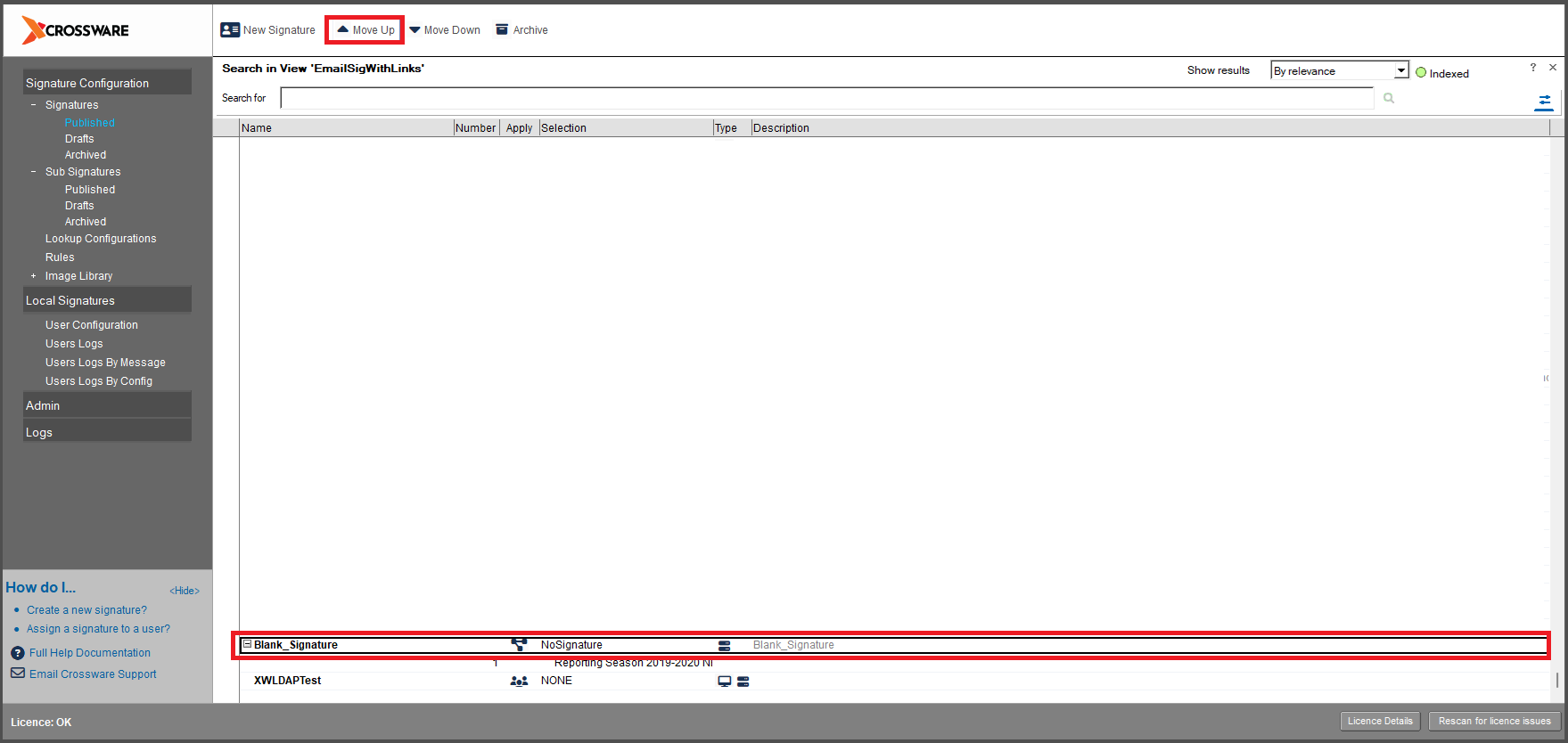
Move this new signature to top of your signature list