A new feature of Version 4 onwards is the Signature Wizard.
The new wizard enables the first time user to easily create a new Signature Configurations from a set of predefined templates and assign the configuration to a group.
Starting the Wizard
The wizard can be started from the Getting Started screen or from the Signatures view.
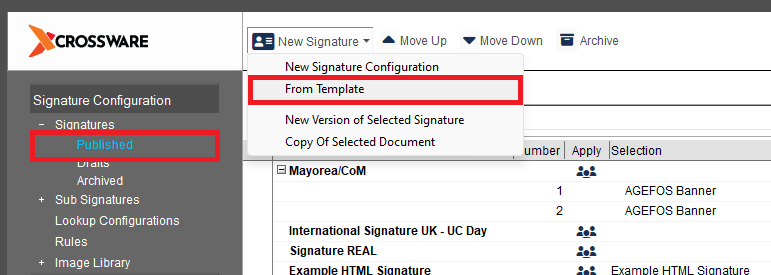
Select a Signature
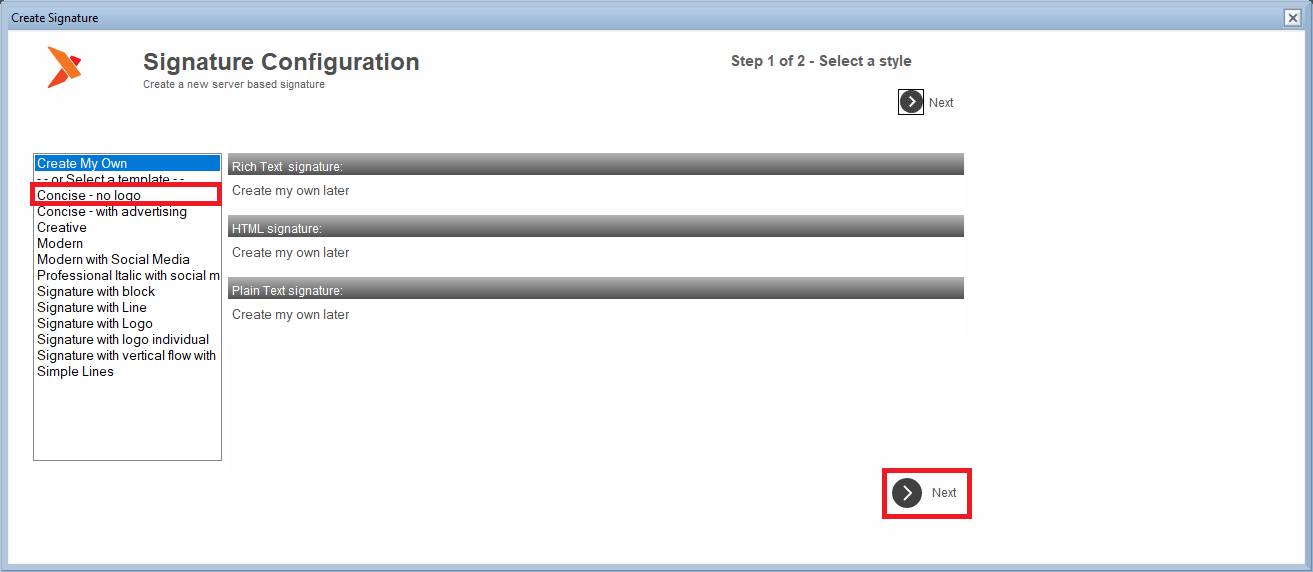
When you have selected your signature click on the Next button.
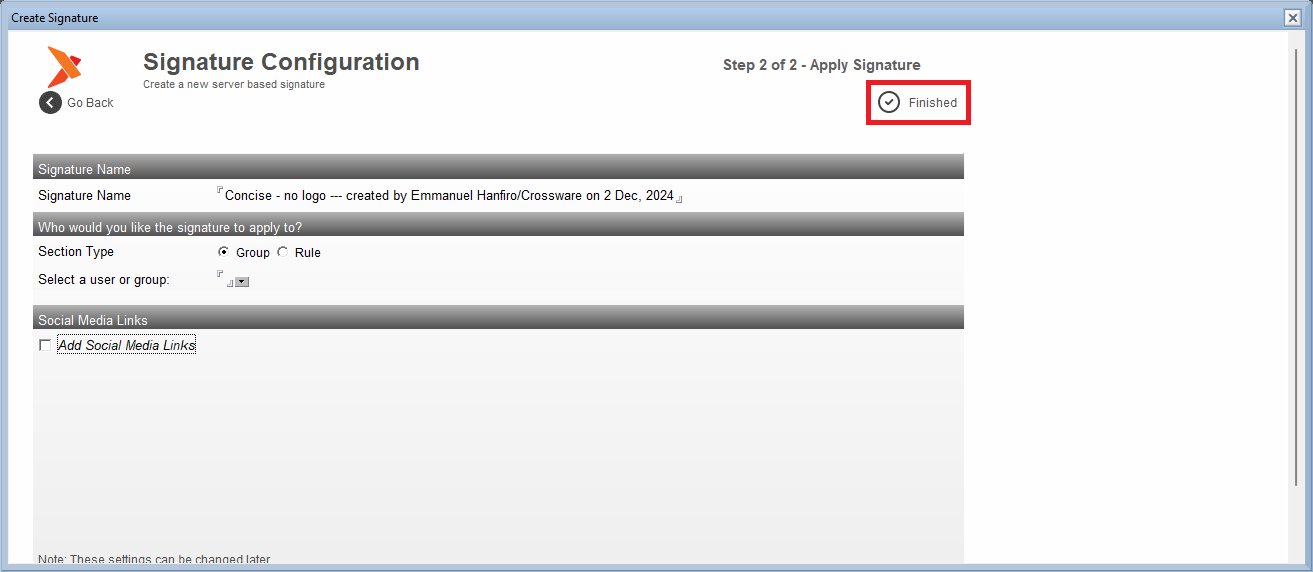
Assign the signature
The new signature can then be assigned to either an address book group or a signature rule.
Publish the Signature
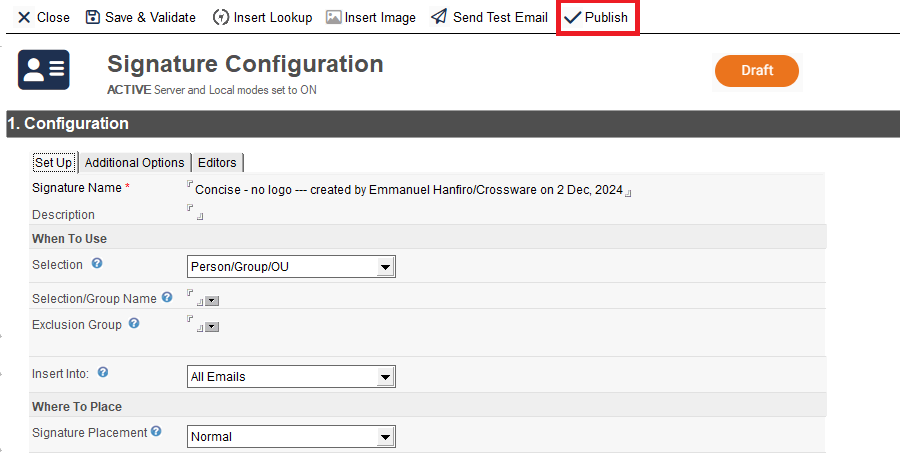
The newly created signature will be in Draft mode.
You will need to publish the signature to make it effective.