
This feature allows signatures to be appended to emails sent by external users. For example, emails from another domain may be passing through the Domino server and require a signature or disclaimer.
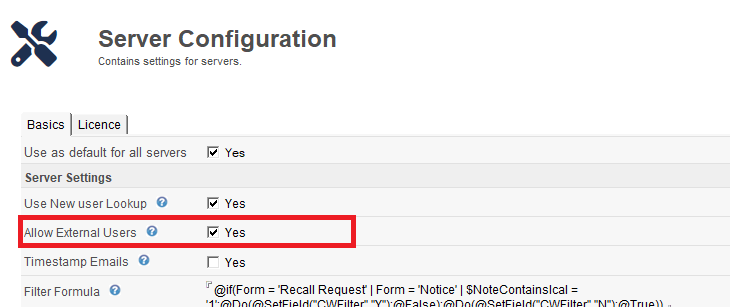
How this feature works
Crossware Email Signature extracts the information from the From or Principal field (if it exists) and uses that as the key to lookup $Users in the Domino directory. All emails are processed regardless of source and destination, so if there is no match on the $Users lookup, then the email is considered to be from an external user.
If the setting is not enabled (this is the default)
If there was no match on the $Users view, the lookup has determined that the user is external, and no signature will be applied.
When this setting is enabled
If the user is not an internal user, the content of the From field is then checked against the signature configurations to determine whether to apply a signature.
See Support for users not in Domino Directory for an example of how to use this feature.