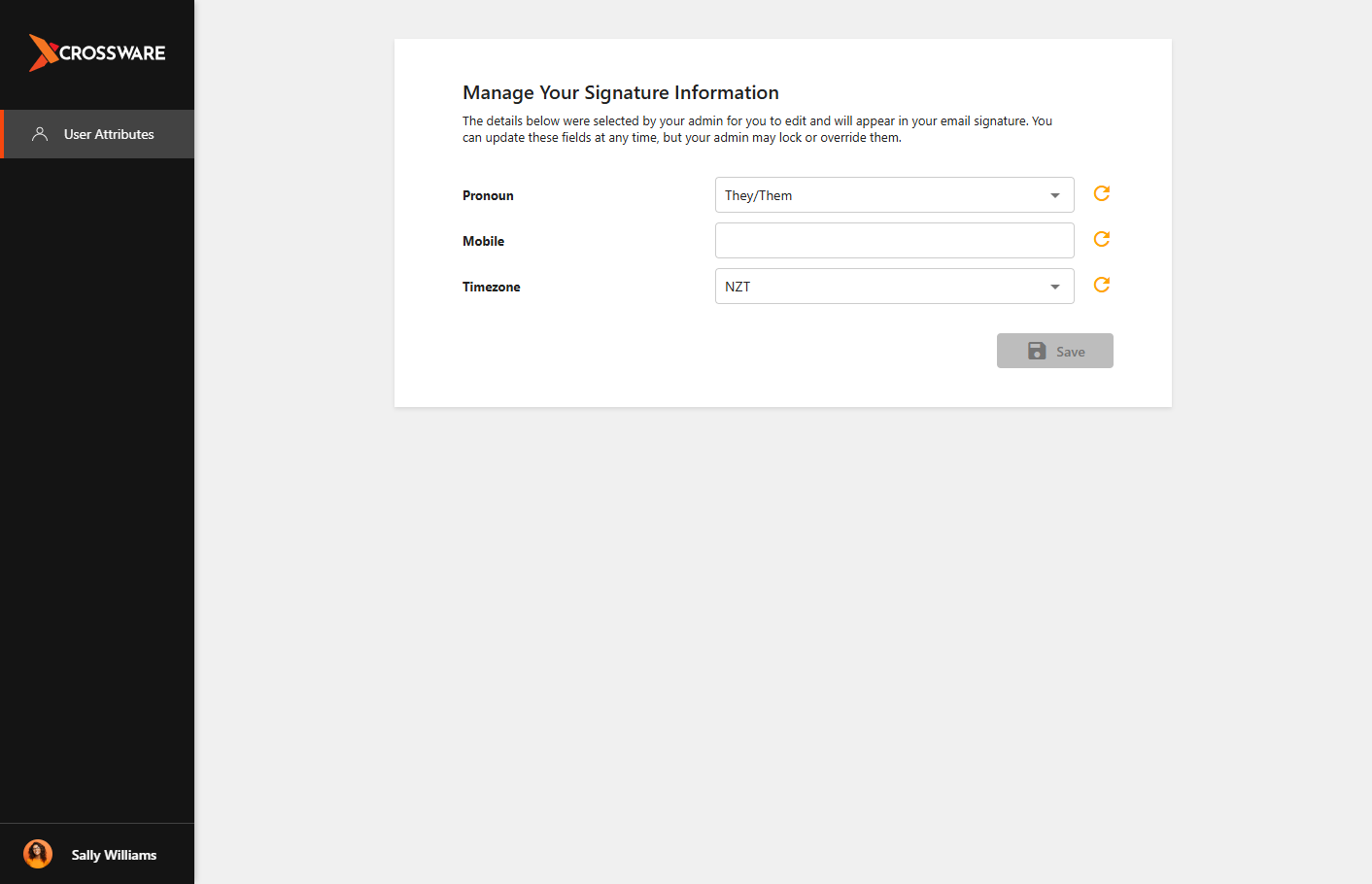
CrosswareMe allows Google Workspace users to view and update their assigned Custom Fields. This makes it easy to manage personal information used in email signatures without requiring administrator assistance.
Administrators can control which Custom Fields users can edit, ensuring that information remains accurate and consistent across the organisation.
How to Access CrosswareMe
Follow the steps below to manage your Custom Fields:
-
Navigate to Crossware Me.
-
Sign in using your Google Workspace account.
-
Once logged in, you will see the Custom Fields that your administrator has made available for editing.
-
Update the required field values.
-
Click Save to confirm your changes.