
Download the new version
This is available from HCL Domino Download - Crossware (crossware365.com)
The installation executable needs to be run on a Windows desktop computer (not the server), that is running HCL Notes.
The installation will lead you through the process, so click on Next until you see the following screen:
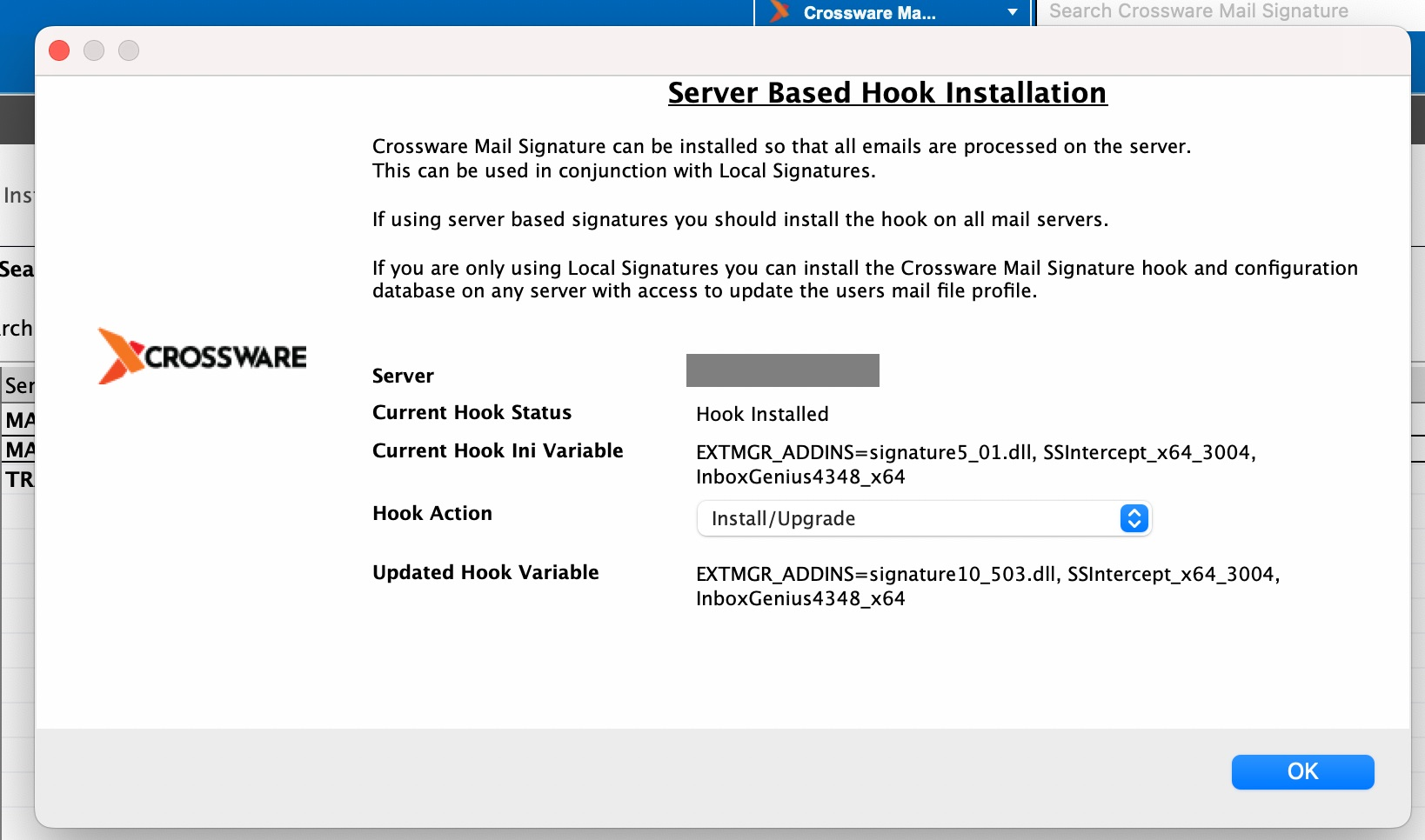
Click OK and you're finished!
Multiple Servers
To upgrade Crossware Email Signature on more than one server, see Upgrading multiple servers.