To disable Crossware Email Signature, complete the following steps in your Google Admin Console.
Disable the Content Compliance Rule
-
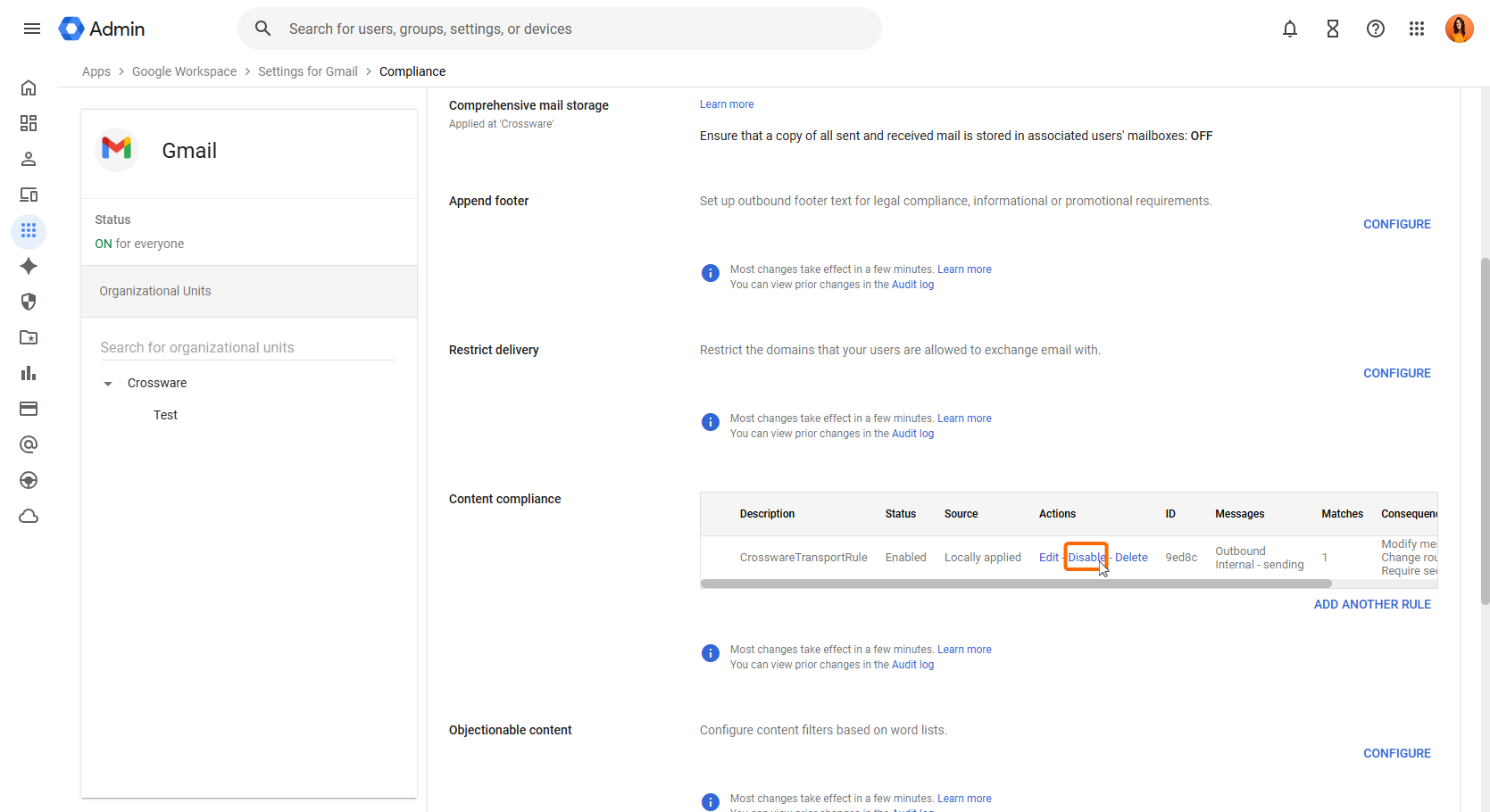
In Google Admin, go to Apps → Google Workspace → Gmail → Compliance.
-
Find the CrosswareTransportRule under Content compliance.
-
Click Disable.